Trust Wallet works. It’s simple, popular, and gets the job done. But if you’ve been using it for a while, you might have started to wonder if there’s something better out there. Perhaps you're looking for more features, better security, or a cleaner interface. Maybe you just want a change.
The truth is, wallets have come a long way. Some focus on privacy. Others are built for DeFi or staking. And then there are wallets that just feel better to use day to day.
This article examines Trust Wallet alternatives, wallets that offer something different, whether you're a beginner or deep into crypto.
Key Takeaways
- The top Trust Wallet alternatives include MetaMask, Coinbase Wallet, Exodus, Ledger, Trezor, Atomic Wallet and SafePal, each offering unique strengths across security, usability, and Web3 features.
- Trust Wallet remains solid for basic usage, but users may seek alternatives due to recent security issues, limited advanced features, and lack of deep DeFi integration.
- Modern wallets offer enhanced control through features like custom gas fees, staking dashboards, scam token filters, and direct DApp access, often outperforming Trust Wallet in specialized use cases.
- Security and transparency are critical when choosing a wallet; top picks provide non-custodial access, open-source code, private key control, and regular audits to reduce risk.
- Transitioning from Trust Wallet is straightforward if done carefully. Verify app authenticity, secure your seed phrase offline, and test transfers before committing large funds.
Why Consider an Alternative to Trust Wallet?
Trust Wallet is solid, but that doesn’t mean it’s the one-size-fits-all solution. Here’s why you might be checking out other options.

Recent Concerns: Outages, Security, Interface Limitations
Trust Wallet underwent a troubling glitch in late 2022 involving a WebAssembly vulnerability in its browser extension. The exploit affected newly created wallets, resulting in approximately $170,000 in losses. Trust Wallet handled the matter through its bug bounty program and publicly compensated some affected users, but it’s a reminder: even vetted wallets can slip up.
It also doesn’t support basic features like scam token detection. CertiK gave it a solid 91.73 point Skynet score, but it lacks some advanced protective features found in newer wallets.
Shifts in User Preferences for Wallet Functionality or Control
Today’s crypto users want more than just sending and receiving. They want custom gas fees, detailed token approval control, optional multi-signature or MPC custody choices, and even helpdesk-level support if something goes sideways. Trust Wallet’s strength is its simplicity: no live support, minimalist UX, and limited fine-tuning for pro-level users.
The Growing Variety of Wallets Tailored to Specific Crypto Use Cases
Crypto isn’t just about HODLing anymore. You’ve got staking, NFTs, DAOs, Layer 2 bridging, and cross-chain swaps. Specialized wallets like MetaMask (for DeFi), Rainbow, or hardware-integrated solutions like Ledger or Trezor are built for these tasks.
Many wallets now include native staking dashboards, atomic swap tools, or DApp browsers optimized for specific blockchain ecosystems; things Trust Wallet can handle, but not always with the same finesse or depth.
Also Read
Comparison Table: Features Breakdown
| Feature | Trust Wallet | MetaMask | Coinbase Wallet | Ledger | Trezor | Atomic | SafePal |
|---|---|---|---|---|---|---|---|
| Security | Hot wallet | Hot wallet | Hot wallet | Cold storage | Cold storage | Hot wallet | Hybrid |
| Supported Assets | 10,000+ | All EVM | EVM chains | 5,000+ | 1,000+ | 1,000+ | 10,000+ |
| Staking | Yes (in-app) | Limited (via dApps) | Limited | Yes (in-app) | 3rd-party | Yes (in-app) | Limited |
| Hardware Support | No | Yes (Ledger, Trezor) | No | Native | Native | No | Yes (SafePal S1) |
| NFT Support | Yes | Yes | Yes | Via MetaMask | Limited | Yes (Web3 only) | Yes |
| Ease of Use | Beginner-friendly | More advanced | Simple UI | Requires device | Desktop only | Clean UX | Mobile-first |
| Fees | Low | Customizable | Low | Hardware cost | Hardware cost | Swap spreads | Low |
Top 7 Alternatives to Trust Wallet in 2026
Trust Wallet might be a solid choice, but it’s far from the only game in town. From DeFi powerhouses to user-friendly all-rounders, today’s wallet landscape offers plenty of options, each with its own strengths. Below, we’ve rounded up seven of the best alternatives in 2026, breaking down what makes them stand out and why they might be the right fit for you.
1. MetaMask
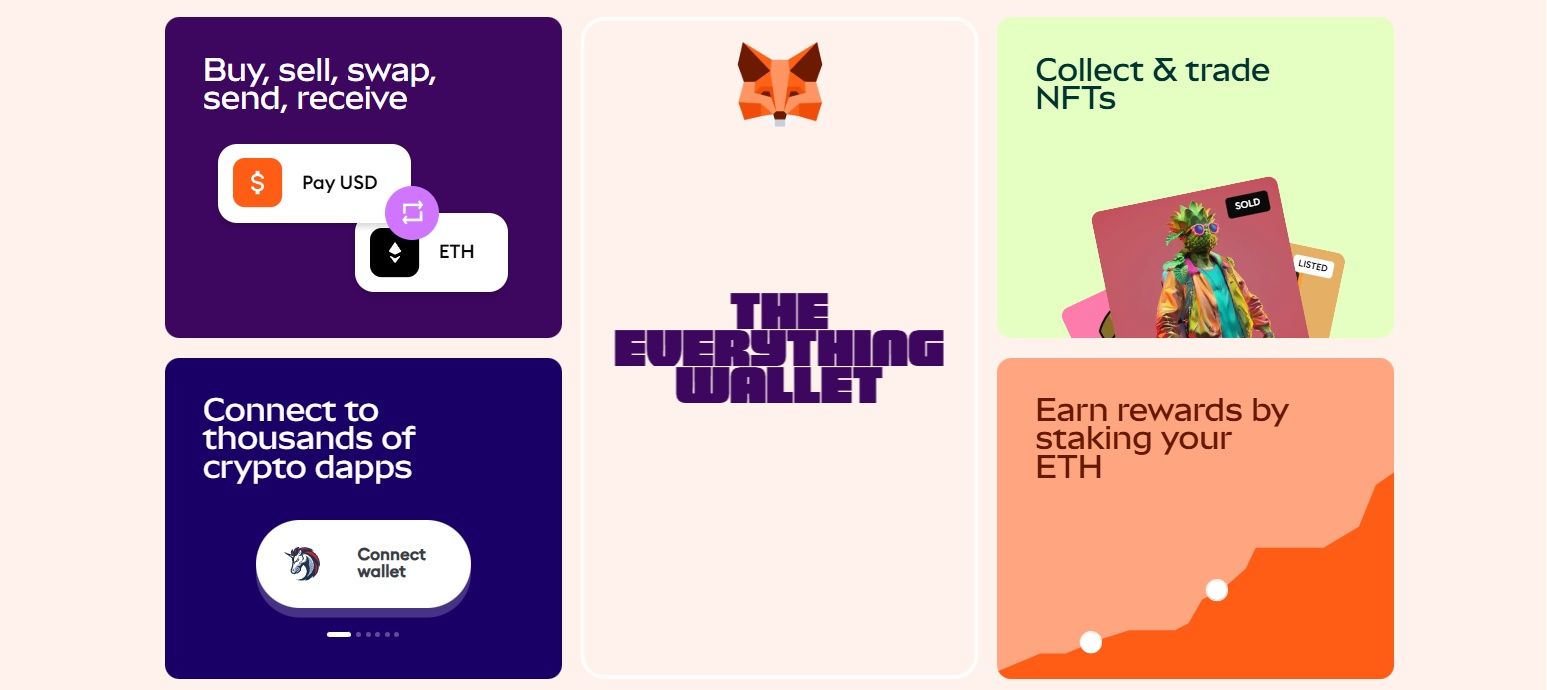 MetaMask Remains one of the Most Flexible and Powerful Wallets for DeFi Users. Image via MetaMask
MetaMask is one of the most well-known crypto wallets, especially in the DeFi world. It started as an Ethereum-only wallet but has grown into a cross-chain tool for exploring the Web3 space. MetaMask gives you full control of your crypto and access to thousands of DApps — all without a custodian.
Why Choose MetaMask?
- Trusted and Popular: Used by millions of DeFi and NFT users
- Custom Networks: Add any EVM-compatible chain manually
- Advanced Tools: Set gas fees, view transaction previews, and more
- DApp Support: Connect easily to nearly all Ethereum apps
- Cross-Platform: Use on mobile or as a browser extension
Key Features
- Supports Ethereum and all EVM-compatible chains (e.g. Arbitrum, Optimism, BNB)
- Works as a browser extension and mobile app
- Built-in crypto swaps with real-time price comparisons
- Native NFT gallery and full DApp browser
- WalletConnect integration for mobile-based connections
- Ongoing updates include phishing alerts and gas optimization tools
Pros
- Strong DeFi and NFT integration
- Open-source and widely supported by developers
- Highly customizable (gas fees, networks, approvals)
- Backed by a large, active community
Cons
- No native support for Bitcoin or Solana
- Limited built-in staking (relies on third-party dApps)
- Interface can be overwhelming for beginners
Summary
MetaMask remains one of the most flexible and powerful wallets for DeFi users. With tools like transaction previews, phishing protection, and gas controls, it’s ideal for users who want full control and advanced features in their Web3 experience.
2. Coinbase Wallet (Base App)
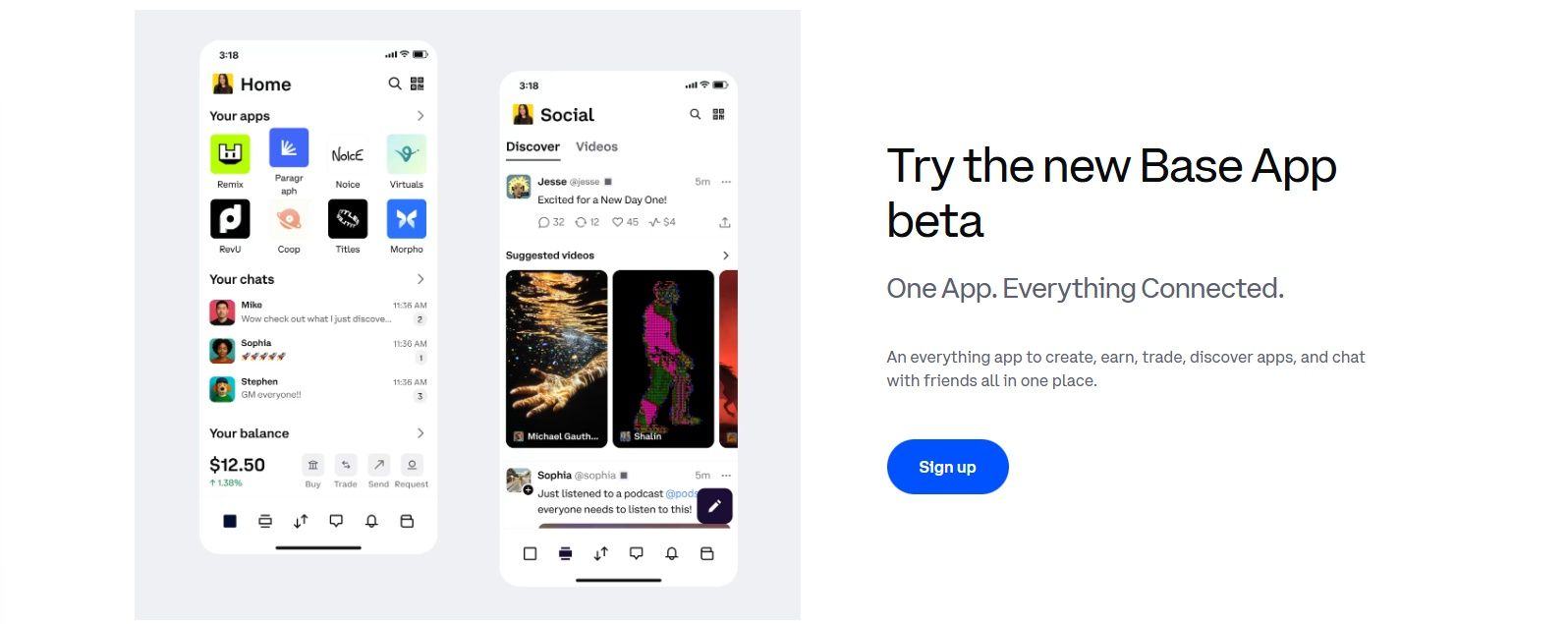 Overall, Coinbase Wallet Delivers the Perfect Mix of Simplicity and Functionality. Image via Coinbase Wallet
Coinbase Wallet, now rebranded as the Base App, is a beginner-friendly crypto wallet designed for easy access to Web3. It’s a non-custodial wallet that gives you full control of your keys—without needing to be a blockchain expert.
Why Choose Coinbase Wallet?
- Simple to Use: Quick setup with a clean, mobile-first design
- Secure: Encrypted cloud backup and biometric logins
- Web3 Ready: Use NFTs and DApps without third-party tools
- Multi-Chain: Supports Ethereum, Polygon, BNB Chain & more
- Backed by Coinbase: Built by one of the most trusted names in crypto
Key Features
- Self-custody wallet separate from the Coinbase exchange
- Support for Ethereum, BNB Chain, Polygon, Avalanche, and other EVM networks
- Built-in DApp browser for exploring Web3 apps
- Native NFT gallery to view and manage your collectibles
- Seamless Coinbase account linking for fast funding
- Available as a mobile app and browser extension
Pros
- Beginner-friendly with a smooth setup process
- Backed by Coinbase’s trusted security infrastructure
- No extra tools needed for NFTs or DeFi
- Regular updates improve features and performance
Cons
- Limited built-in staking support
- No native access to Bitcoin, Solana, or Cosmos
- Some users confuse it with the Coinbase exchange
Summary
Coinbase Wallet (Base App) is a great choice if you're just getting started with crypto or want a reliable, easy-to-use wallet that supports NFTs and DApps. While it doesn’t support every blockchain, it’s one of the safest and simplest wallets for exploring Web3.
3. Exodus
 Exodus Remains a Strong Choice for those Who want a Blend of Simplicity and Advanced Tools. Image via Exodus Wallet
Exodus is designed to make crypto simple, sleek, and user-friendly. With a beautiful interface and intuitive layout, it’s ideal for multi-asset investors who want a modern wallet experience without giving up control or features.
Why Choose Exodus?
- Polished Interface: Visually stunning and easy to use
- Multi-Asset Support: Automatically detects over 1 million tokens
- Cross-Platform: Works on desktop, mobile, and browsers
- Built-In Tools: Exchange, staking, and real-time portfolio tracker
- No Account Needed: Fully self-custodial with private keys in your control
Key Features
- Supports 1M+ assets with automatic detection
- Available on desktop, mobile, and as a browser extension
- Built-in crypto swap and staking for supported coins
- NFT support via Web3 Wallet (browser only)
- 24/7 live customer support
- No registration or KYC required
Pros
- Beautiful UI and smooth user experience
- Integrated exchange and staking options
- Full control of private keys and seed phrases
- Frequent updates and responsive support team
Cons
- Not open-source (less transparent than some wallets)
- Higher exchange fees due to spread-based pricing
- Limited DeFi access compared to MetaMask or Rabby
Summary
Exodus is a top pick for users who want a wallet that looks great and performs well. With powerful built-in tools, wide asset support, and strong customer service, it’s perfect for anyone who values ease of use and full control over their crypto.
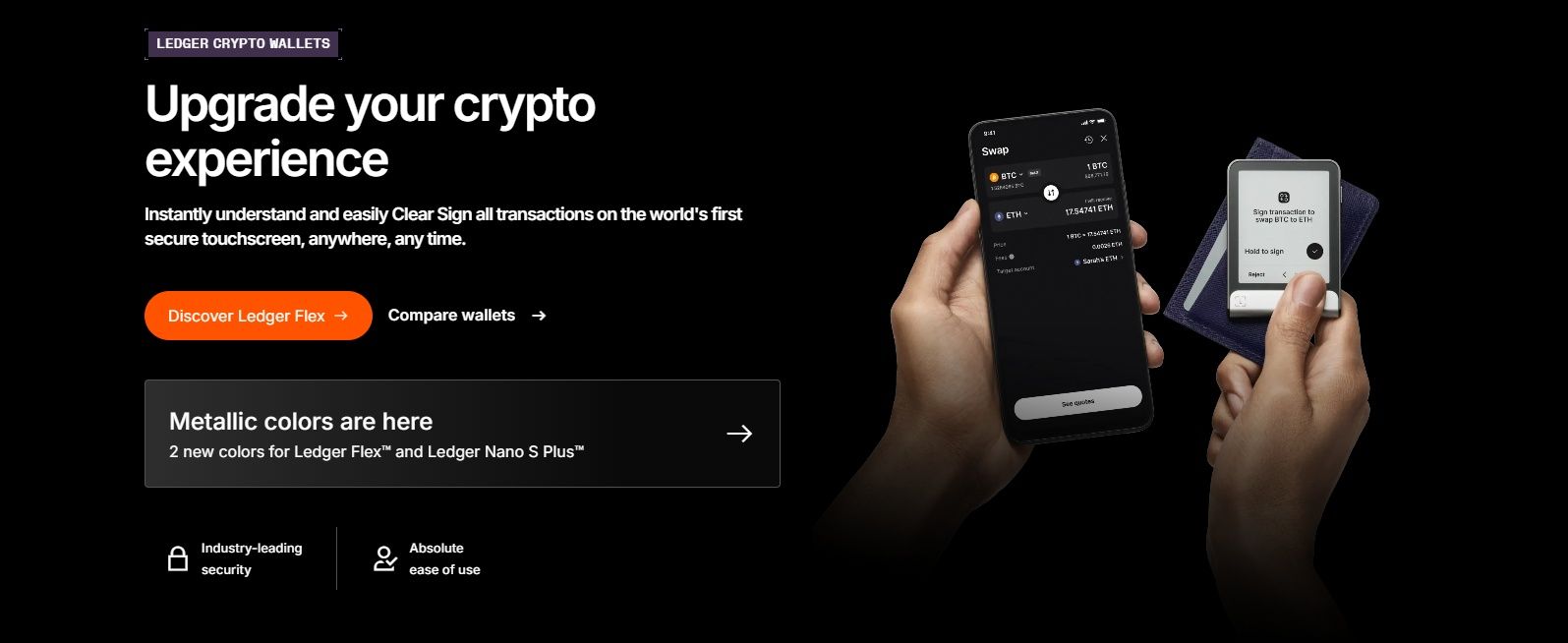 Ledger Remains the Gold Standard for Cold Storage Solutions. Image via
 Ledger is the industry standard for crypto cold storage. Its hardware wallets keep your private keys offline, while the Ledger Live app makes managing your portfolio, staking, and Web3 interactions easy and secure.
Why Choose Ledger?
- Unmatched Security: Offline storage via secure element chips
- Ledger Live: Desktop and mobile app for portfolio management
- Wide Support: 5,000+ tokens and dozens of chains supported
- DeFi-Ready: Works with MetaMask and other third-party apps
- Advanced Protection: PIN, passphrase, and Clear Signing built-in
Key Features
- Range of hardware wallets with secure chips (Nano S Plus, Nano X, Ledger Stax)
- Ledger Live app with staking, swaps, buys, and asset tracking
- Support for 5,000+ assets across many blockchains
- Integration with MetaMask, Rabby, and other Web3 tools
- Clear Signing helps avoid blind signing risks
- Offline recovery and PIN/passphrase protection
Pros
- Industry-leading security standards
- Beginner-friendly with advanced tools in Ledger Live
- Staking support for ETH, DOT, ATOM and more
- Trusted brand with years of ongoing development
Cons
- Requires purchasing a physical device
- Ledger Live doesn’t support all DApps directly
- Past controversy over recovery service raised trust concerns
Summary
Ledger is the gold standard for cold wallet storage. Whether you're holding long term or managing a multi-asset portfolio, it offers unbeatable protection with the flexibility of Ledger Live. For anyone serious about security, Ledger is hard to beat.
5. Trezor
 Trezor Suite Shines for Users who Prioritize Transparency, Privacy, and Robust Security. Image via Trezor
Trezor is a leading name in hardware wallet security. With its clean, open-source approach and a strong focus on privacy, it offers an excellent balance of transparency and protection for serious crypto holders.
Why Choose Trezor?
- Trusted Cold Storage: Keeps your private keys fully offline
- Trezor Suite: Clean interface for managing, sending, and securing assets
- Privacy Focused: No cloud backups or user data collection
- Open-Source: Code audited and trusted by the crypto community
- Flexible Options: Choose from Model One, Model T, Safe 3, or Safe 5
Key Features
- Offline private key storage with full user control
- Trezor Suite app available for desktop and browser
- Supports Bitcoin, Ethereum, and other major coins
- Open-source firmware, software, and hardware architecture
- Staking, swaps, and buy/sell tools via integrated third-party services
- Passphrase, PIN, and recovery seed support across all models
Pros
- Fully open-source and community audited
- No telemetry or data collection
- Beginner-friendly Trezor Suite interface
- Robust offline protection with full user control
Cons
- Supports fewer tokens and staking options than Ledger
- No native mobile app (desktop only)
- Model T is pricey, and Model One lacks support for coins like XRP and ADA
Summary
Trezor is a top choice for users who prioritize security, transparency, and privacy. While its asset support is more limited than Ledger, its open-source roots and user-controlled approach make it one of the most trusted names in cold storage.
Explore Trezor Models
6. Atomic Wallet
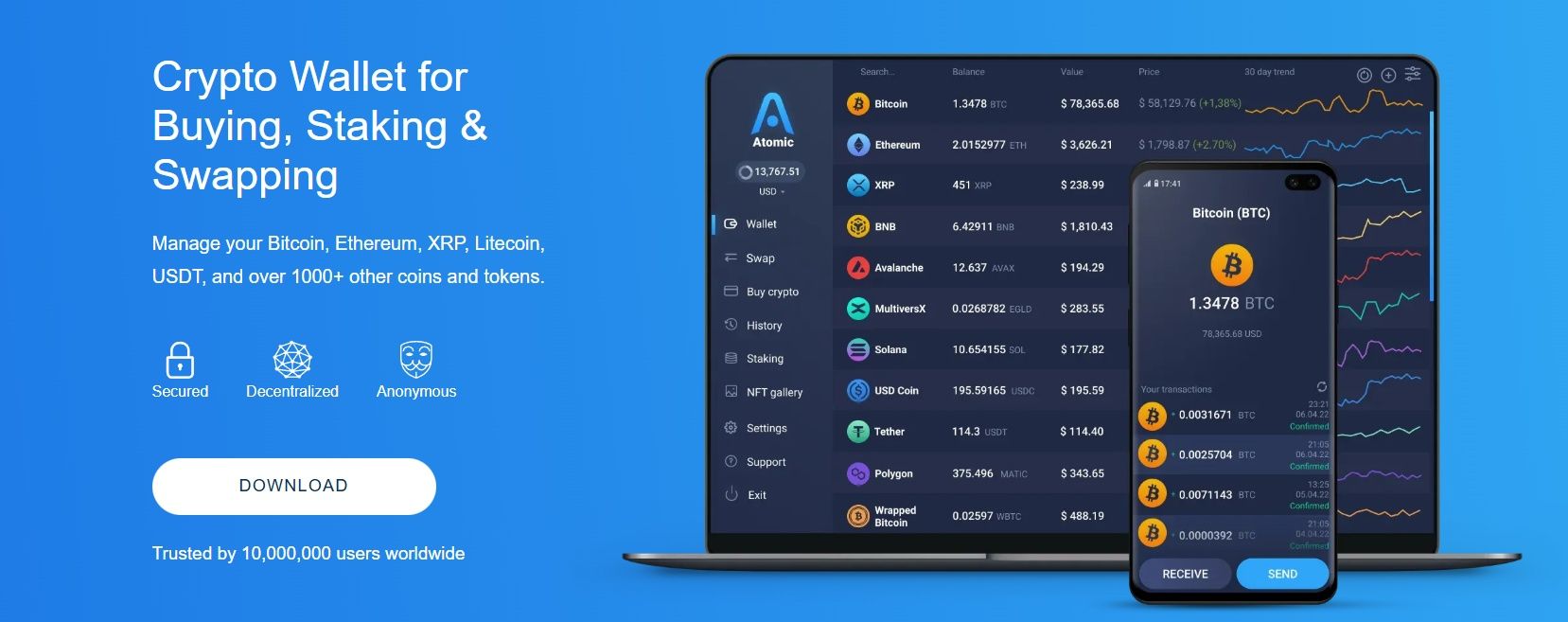 Atomic Wallet Remains a Strong Option for those who Value Convenience. Image via Atomic Wallet
Atomic Wallet is designed to be an all-in-one crypto hub. With support for storing, staking, swapping, and even buying crypto, it combines non-custodial control with powerful features in a simple, beginner-friendly interface.
Why Choose Atomic Wallet?
- Multi-Asset Support: Store 1,000+ tokens across major blockchains
- Staking Rewards: Stake ADA, ATOM, XTZ, and others directly in the app
- Integrated Swaps: Use atomic swaps or built-in DEX features
- Full Ownership: Private keys are stored locally — not by a third party
- Cross-Platform: Available on desktop and mobile with syncing
Key Features
- Supports 1,000+ coins and tokens
- Available on Windows, macOS, Linux, iOS, and Android
- Staking for popular assets with in-app APY display
- Built-in atomic swap and third-party exchange integrations
- Private key and seed phrase stored locally
- No KYC required for wallet use
Pros
- Supports a wide range of cryptocurrencies
- Built-in staking and exchange tools
- Simple interface, great for beginners
- No account or identity checks required
Cons
- Closed-source limits transparency
- Exchange fees are higher than on traditional platforms
- No native support for DeFi or DApp interaction
Summary
Atomic Wallet is a strong option for users who want convenience and control. With support for hundreds of assets, native staking, and a built-in exchange, it delivers a complete experience for managing crypto from a single app — no account required.
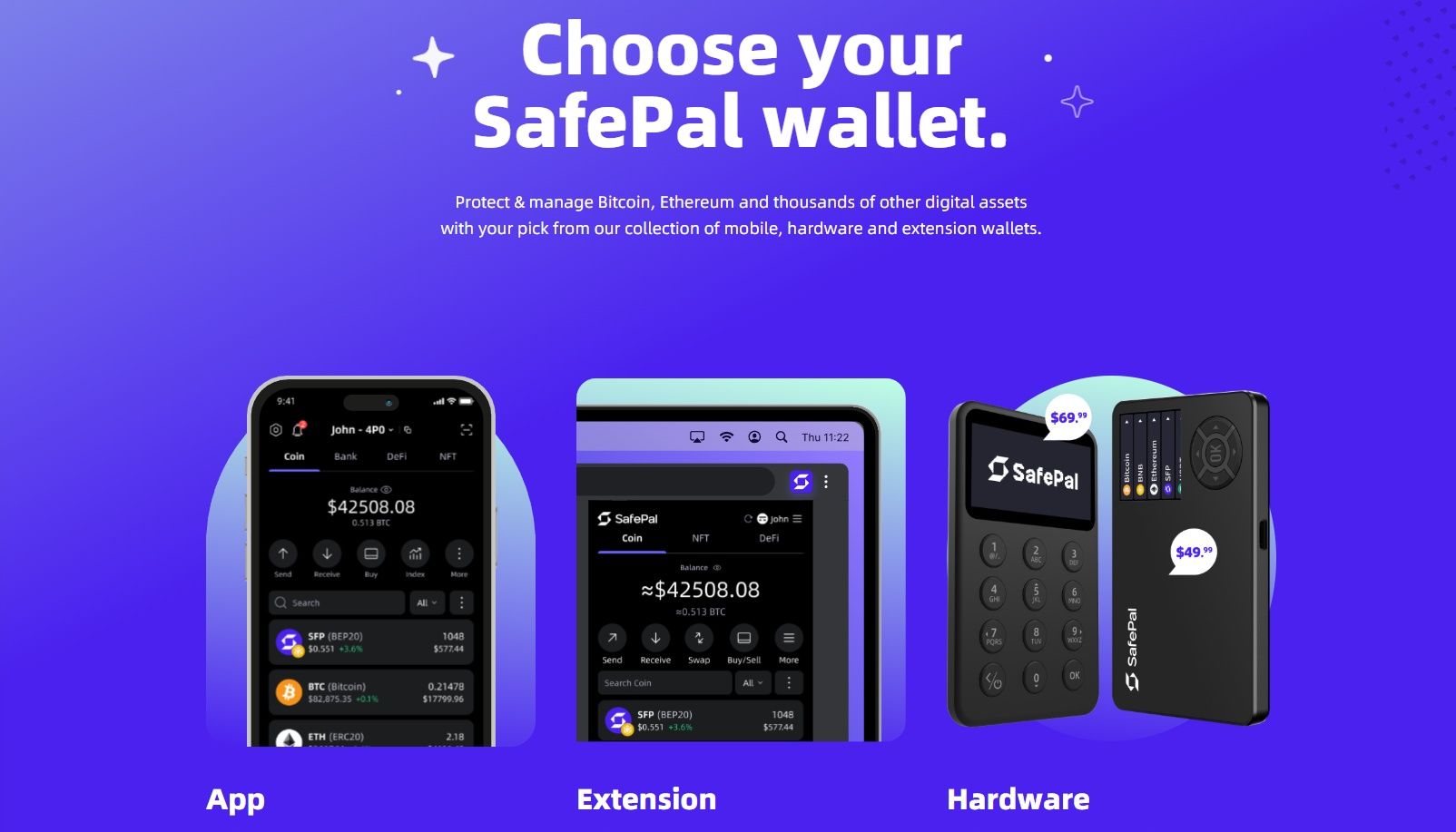 SafePal Bridges the Gap between Convenience and Cold Storage. Image via
 SafePal takes a hybrid approach to self-custody by combining a mobile-first software wallet with an affordable hardware device. It’s ideal for users who want the ease of on-the-go crypto management with the option to step up security using offline signing.
Why Choose SafePal?
- Hybrid Setup: Use the app alone or pair it with the SafePal S1 hardware wallet
- QR-Based Signing: Air-gapped device with no USB, Bluetooth, or Wi-Fi
- Massive Asset Support: 100+ blockchains and 10,000+ tokens
- DApp Ready: Built-in browser and WalletConnect integration
- Binance-Backed: Developed with support from Binance Labs
Key Features
- Mobile app and SafePal S1 hardware wallet combo
- QR-code signing keeps private keys fully offline
- Supports 100+ chains and 10,000+ tokens, including NFTs
- Seed phrase and PIN protection; fully self-custodial
- Integrated DApp browser, WalletConnect, and DeFi access
- Hardware device is affordable and air-gapped
Pros
- Secure QR-signing method without wireless risks
- Supports thousands of tokens and hundreds of blockchains
- Mobile-first UX backed by Binance
- Flexible setup with or without hardware
Cons
- Hardware wallet lacks touchscreen (navigation is basic)
- Firmware is closed-source, limiting transparency
- Software-only users miss out on offline signing benefits
Summary
SafePal bridges the gap between mobile convenience and cold storage. With a secure QR-signing process, deep token support, and a wallet ecosystem that scales with your needs, it’s a smart option for users who want flexibility and peace of mind.
Key Features to Look for in a Trust Wallet Alternative
When you’re seriously checking out other wallets, here are the core areas that make the difference, and why they matter.
 Having the Right Wallet is more about Control and Security, making Sure your Setup Matches your Crypto Goals. Image via Shutterstock
Security & Private Key Control
Custodial vs Non-Custodial Wallets
Non-custodial wallets, where you control the private keys, are still the gold standard. These give you full ownership. Custodial wallets, on the other hand, surrender control to a third party, which carries counterparty risk. Non-custodial design is key to avoiding platform-specific failures or freezes.
Check out more on this subject in our guide on custodial and non-custodial wallets.
Importance of Seed Phrases and Private Key Backups
Every serious wallet guides you clearly in backing up your 12–24 word seed phrase. Losing that is like misplacing the key to your digital vault. No one can recover assets without it. The best way to navigate around this problem, rather than a limitation for your own safety, is to learn more about the best practices to keep your seed phrases safe in case of any disaster.
Open-Source Code and Audit Transparency
Transparency matters. Many wallets offer open-source firmware or apps that independent experts and the broader community can audit. This is critical for trust and continuous security validation.
Multi-Currency Support
- Compatibility Across Chains: Look for wallets that support major chains like Ethereum, BNB Chain, Bitcoin, Solana, and emerging Layer 2s. Trust Wallet covers many, but some alternatives support even more.
- Native Token Management vs Custom Token Import: Ideally, your wallet auto-detects tokens native to your chains. If it doesn’t, make sure importing custom tokens is easy and secure. Some wallets let you bookmark common coins so they’re instantly visible without manual input.
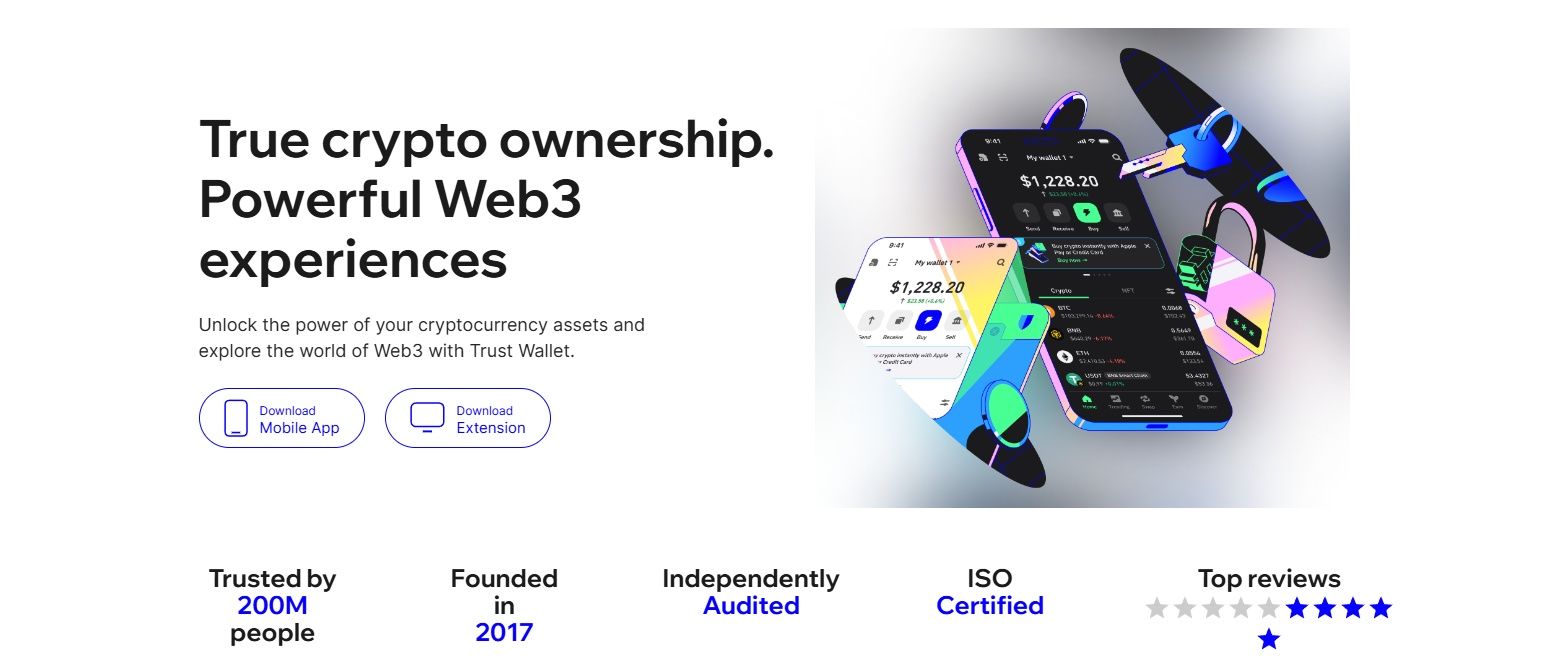 There are Things Trust Wallet can Handle but not Always with the Same Finesse or Depth. Image via Trust Wallet
DeFi and DApp Integration
- Seamless Web3 Access: Power users want built-in access to DeFi apps. Some wallets include in-app DApp browsing that connects you directly to exchanges, staking sites, NFT marketplaces, and cross-chain bridges.
- Built-In Browser vs External Connection: Some wallets offer an in-app browser, while others rely on WalletConnect or browser extension hooks. Built-in browsers are convenient, but extension-based setups often offer tighter security and direct desktop access.
- Popular DeFi Protocols Supported: Look for wallets with support for leading DeFi platforms like Uniswap, Aave, PancakeSwap, Rocket Pool, or Layer 2 bridges. The best options allow you to stake, swap, and farm without leaving the app.
User Experience and Interface
- Mobile-First vs Desktop-First Designs: Some wallets are built for mobile-first convenience, perfect for on-the-go trading. Desktop-first options are more ergonomic for intense DeFi sessions or NFT browsing.
- Accessibility for Beginners and Advanced Features for Power Users: The best wallets cater to a wide range of users. For beginners, this means clear guidance, simple recovery flows, and an intuitive interface that doesn’t overwhelm. For power users, advanced features like customizable gas settings, granular token approval controls, and options for multi-signature or MPC security provide the flexibility and control needed for complex transactions.
- Active Development and Clean UI: Watch for wallets that get regular updates, transparent changelogs, and active support channels. Ongoing development signals long-term reliability and security commitment. A clean UI, not overloaded with jargon or clutter, is inviting and reduces accidental mistakes.
In addition to just convenience, it’s more about control, security, and making sure your setup matches your crypto goals. Whether you’re stacking Sats, diving into DeFi, or just starting out, these features separate a wallet that works from one that truly protects your future in the digital economy.
Choosing the Right Wallet for Your Needs
 Choosing the Right Wallet isn’t about Picking the most Popular Name Only. Image via Freepik
Not every wallet is built for every user. Your choice should reflect how you engage with crypto. Whether you’re dipping your toes in for the first time, exploring DeFi, or securing a long-term portfolio.
Use our wallet picker below to see which wallet suits your style:
Best for Beginners
Wallets: Coinbase Wallet, Atomic Wallet
Easy to set up, user-friendly, and packed with built-in help. Perfect for learning the ropes.
Best for DeFi & Web3
Wallets: MetaMask, SafePal
Built for Web3 power users with DApp access, gas controls, and mobile DeFi support.
Best for Cold Storage
Wallets: Ledger, Trezor Suite
Top-tier security with offline key storage, PIN protection, and DApp compatibility.
Best for Multi-Asset Investors
Wallets: Exodus, Atomic Wallet, SafePal
Broad asset support, built-in swaps, and portfolio tracking for diverse portfolios.
Not every wallet is for everyone. Match your tools to your crypto lifestyle, whether that means simplicity, flexibility, or bulletproof security.
Tips for Safely Transitioning from Trust Wallet
Switching wallets isn’t complicated, but it’s a process you want to get right because mistakes here can mean losing everything. Here are the essential steps to make the transition smooth and secure:
 Transitioning to a New Wallet doesn’t have to be Stressful if you Take it Slow and Follow Security Best Practices. Image via Freepik
1. How to Securely Export/Import Seed Phrases
Your seed phrase is the master key to your funds. When moving to a new wallet, never type it into random websites or apps, only use the official app of your new wallet. Copy it down offline if needed and input it directly into the verified app. Avoid screenshots or cloud backups that could be hacked later.
2. Verifying the Authenticity of New Wallet Apps
Before downloading a new wallet, double-check the source. Always use official links from the wallet’s website or verified app stores. Fake wallet apps are a common scam vector, and even one wrong click can expose your private keys.
3. Avoiding Phishing Scams and Fake Wallet Clones
Phishing attempts often mimic wallet websites or send fake “update” prompts. Bookmark official URLs, ignore unsolicited links, and never share your seed phrase. If you get a DM, email, or pop-up asking for it, that’s a scam pretty much 100% of the time.
Checklist before Moving Funds
- Verify the authenticity of the new wallet app.
- Back up your seed phrase securely, offline.
- Test the new wallet with a small transaction first before transferring large amounts.
- Remove your old wallet from devices you no longer use after confirming funds are safe.
Transitioning to a new wallet doesn’t have to be stressful if you take it slow and follow security best practices. Think of it like moving house: double-check the locks, make sure you’ve got all your keys, and don’t share your address with strangers. A little extra caution now can save you from a world of trouble later.
Final Thoughts: Don’t Just Follow the Crowd
In the crypto world, it’s easy to follow the hype. Download the wallet everyone else is talking about and call it a day. But here’s the truth: wallets aren’t one-size-fits-all. What works for a DeFi power user might be overkill for someone who just wants to HODL a few coins.
Before you make the switch, think about what really matters to you. Are you chasing staking rewards? Looking for bulletproof cold storage? Or maybe you just want a simple app that doesn’t make your head spin. There has to be a good reason to switch, which is often overcome certain limitations in your ever-expanding crypto game.
Whatever your goal, security, transparency, and user control should always be non-negotiable. After all, this is your money, your digital life. The right wallet isn’t the flashiest one on the market; it’s the one that fits your crypto journey like a glove. So choose wisely, and remember: in crypto, control isn’t just power, it’s protection.