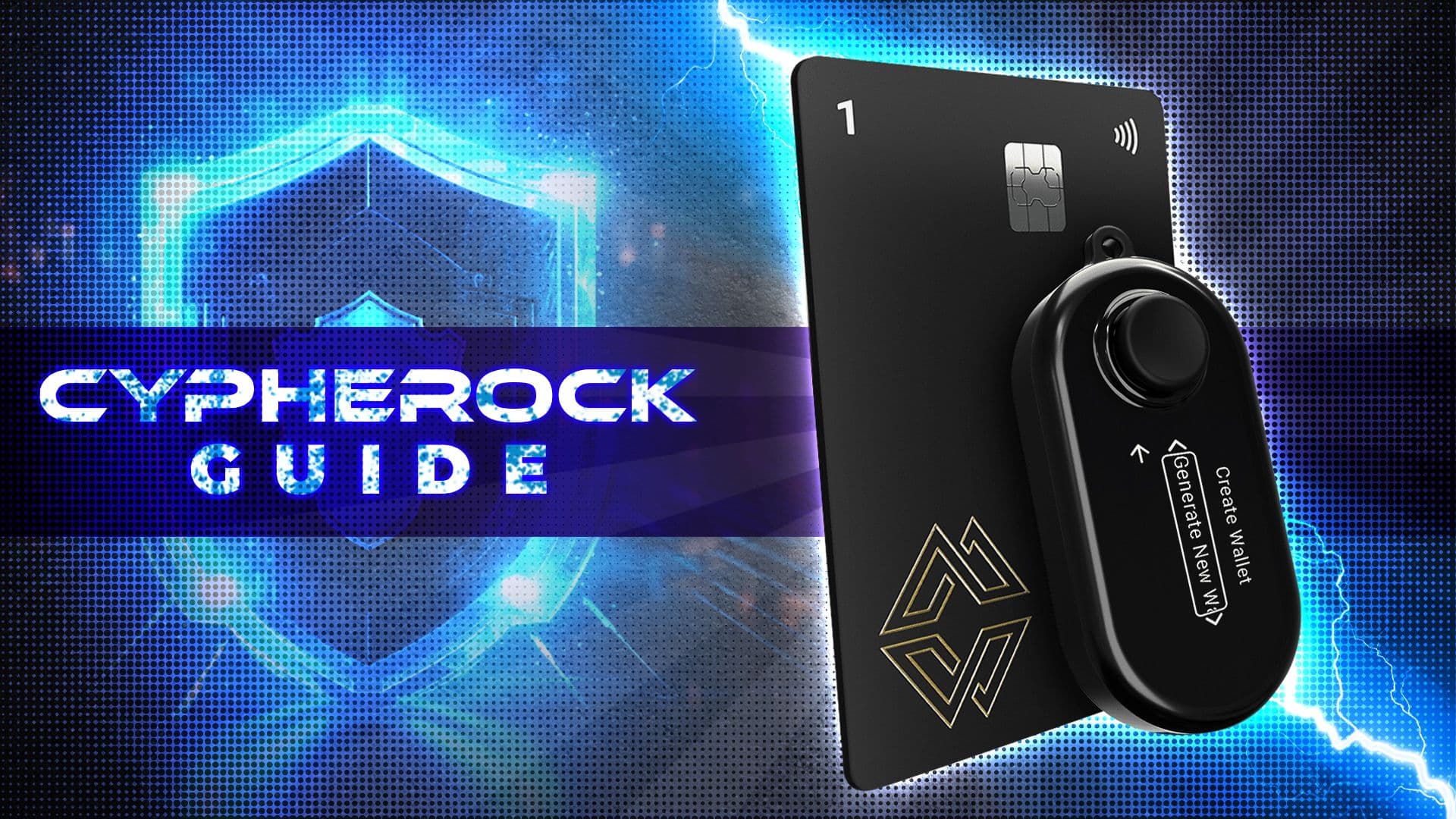
Cypherock X1 at a Glance
Cypherock X1 combines a signing device, four NFC cards, and the cySync companion app. The extra components add setup work, but they reduce reliance on one written recovery phrase.
| Field | Details |
| Product | Cypherock X1 |
| Type | Hardware wallet / cold wallet |
| Backup model | Shamir 2-of-5 split |
| Components | X1 Vault + 4 X1 Cards |
| Seed phrase | Exists, but does not need to be written down during setup |
| Secure Element | EAL6+ smartcards, plus Vault security architecture |
| App | cySync |
| Platforms | Windows, macOS, Linux, iOS, Android |
| Assets | 19,000+ cryptocurrencies on the current coin support page, while some cySync copy still uses 18,000+ |
| DApp access | WalletConnect |
| Named networks | Bitcoin, Ethereum, Polygon, BSC, Avalanche, Optimism, Arbitrum, Solana, XRP, Tron, Starknet, ICP |
| Best for | Long-term holders, inheritance planning, multi-wallet users |
| Not ideal for | Budget buyers, metal-wallet fans, Bitcoin-only minimalists |
Asset counts are not fixed. Check Cypherock’s current coin list before buying the wallet for one specific asset, token standard, chain, or DApp workflow.
How We Tested Cypherock X1 (Methodology)
We tested the Cypherock X1 from the perspective of a self-custody user setting up cold storage, sending and receiving crypto, and checking how the Vault, Cards and cySync app work together.
The setup process is more involved than a basic one-device hardware wallet, but it is not difficult once the user understands the role of each component. The X1 Vault acts as the signing device, the X1 Cards hold key shares, and cySync handles the account interface.
Daily use was straightforward. Receiving crypto followed a familiar wallet-app flow, while sending crypto required the extra hardware checks: review the transaction in cySync, verify the details on the Vault screen, tap an X1 Card, enter the PIN if enabled, and approve the transaction.
The hard-shell case is a useful addition because Cypherock has more physical parts to manage than most wallets. It helps keep the Vault, Cards and accessories organized. Still, the case should not become the full storage plan. Keeping all components together weakens the benefit of distributed recovery.
Build feel is more mixed. The X1 Vault is light and functional, but it does not feel as premium as heavier metal-bodied wallets. Users buying Cypherock should be choosing it mainly for the recovery model, not for luxury hardware design.
The cySync app was clean enough for core wallet actions, including account management, receiving funds, preparing sends and confirming transactions. It still feels more like a secure wallet manager than a full crypto super-app, so users expecting deep exchange-style features may find it limited.
What Is Cypherock?
Cypherock is a hardware wallet system built around one X1 Vault and four NFC-based X1 Cards. The Vault is the screen-and-signing device. The Cards store encrypted private key shares.
The design reduces seed phrase backup risk without handing custody to an exchange, custodian, or recovery company. The X1 Vault handles offline computation and transaction verification, while the X1 Cards act as encrypted NFC smartcards with EAL6+ secure elements through the wallet backup model.
NFC means near-field communication. The card communicates when tapped near the Vault or a compatible phone. The Vault handles the transaction review and signing process, while cySync acts as the app interface for accounts, balances, transaction history, and supported integrations.
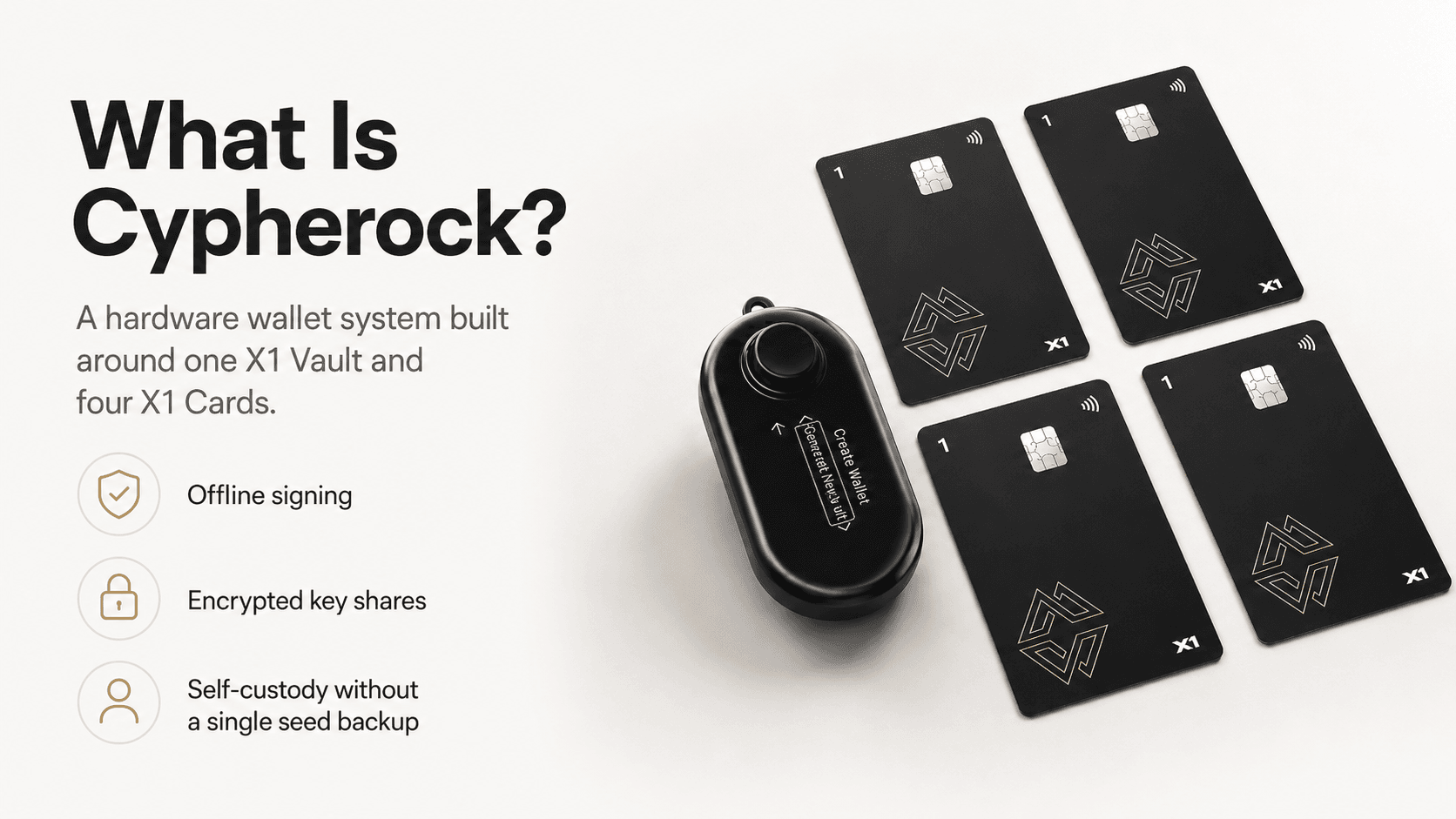
Cypherock X1 Hardware Wallet System With Vault, Cards And Distributed Self-Custody Backup
How Cypherock Is Different From a Normal Hardware Wallet
A standard hardware wallet setup is easy to understand:
- The hardware wallet signs transactions offline.
- The seed phrase is the backup if the device is lost, damaged, or reset.
The weak point is the seed phrase. If someone gets it, they may be able to take the funds. If the owner loses the device and the phrase, the wallet may be gone for good.
Cypherock takes a different route. It spreads recovery across five separate pieces:
- X1 Vault: Signs transactions offline, shows transaction details for review, and holds one key share.
- X1 Card 1: Holds an encrypted private key share.
- X1 Card 2: Holds an encrypted private key share.
- X1 Card 3: Holds an encrypted private key share.
- X1 Card 4: Holds an encrypted private key share.
With the usual 2-of-5 setup, any two pieces can recover the wallet. Losing one card should not lock the user out. Stealing one card should not be enough to recover the wallet.
That changes the job for the user. Instead of guarding one seed phrase, they need to keep track of several physical pieces and leave clear recovery instructions. It removes the single backup as the main point of failure, but adds more items to store, separate, and manage.
How Cypherock Works Without a Written Seed Phrase
Cypherock does not remove the seed from the cryptographic model. It changes how the backup is stored.
The wallet remains BIP39-compatible. BIP39 is the common wallet standard behind 12, 18, and 24-word recovery phrases. Cypherock supports importing an existing BIP39 seed phrase, and users with the required components can view the seed phrase of a wallet secured by Cypherock through the recovery flow described in the Cypherock FAQ.
During setup, Cypherock splits the underlying secret into five shards. Those shards are stored across the X1 Vault and four X1 Cards. The user does not need to write a 24-word seed phrase on paper during normal setup.
Seed phrase export is available for migration and emergency planning. Use it carefully. Once a seed phrase is written, photographed, typed, stored online, or shared, the seedless-backup advantage is reduced.
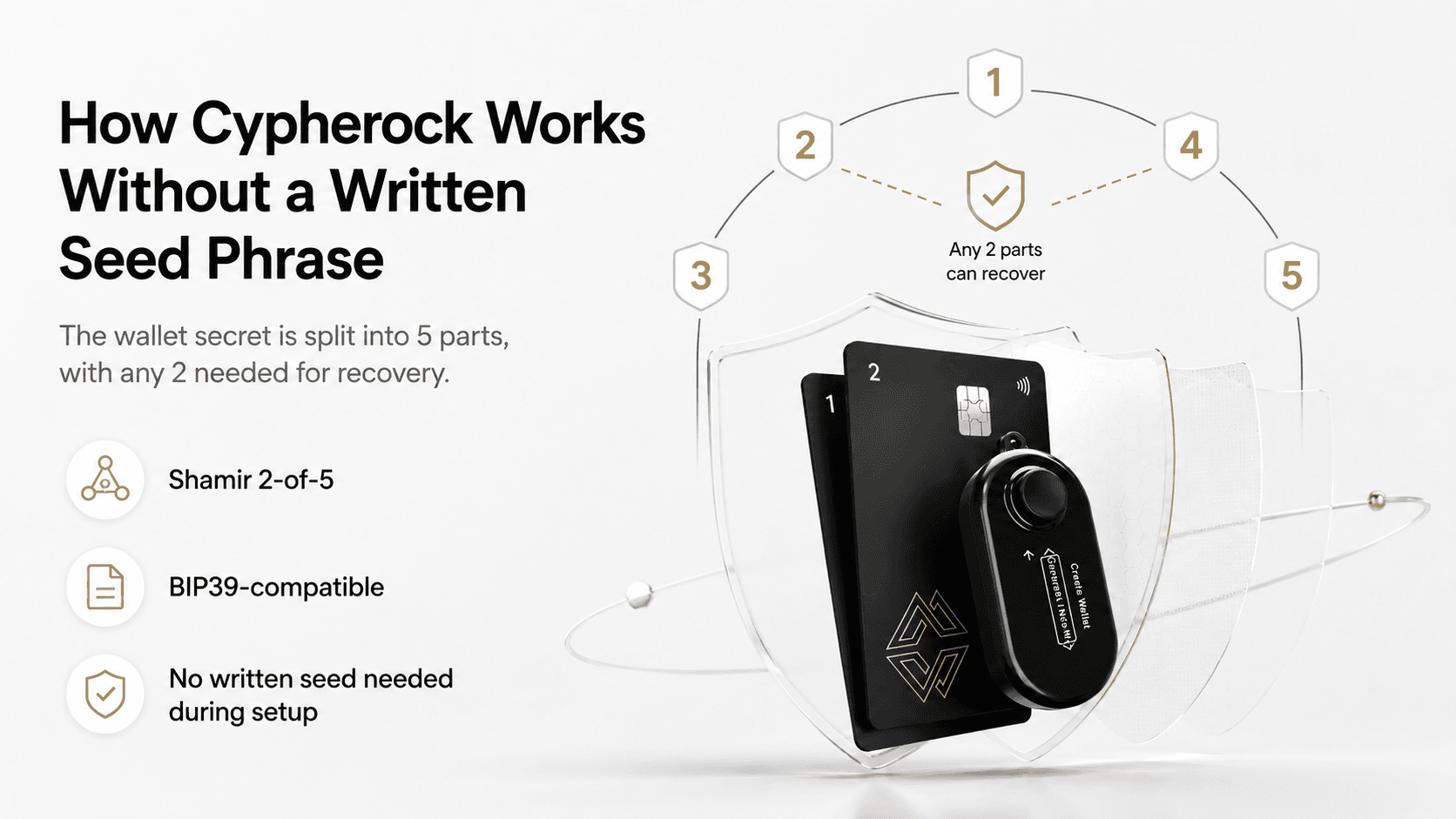
Cypherock’s 2-Of-5 Recovery Model Splits Wallet Access Across Multiple Secure Components
Shamir Secret Sharing Explained
Shamir Secret Sharing is a threshold scheme. Cypherock uses a 2-of-5 threshold, so any two of the five parts can reconstruct the wallet secret.
One part alone is not enough.
The math uses Lagrange polynomial interpolation to rebuild a secret from enough valid shares. Users do not need the formula. The recovery rule is straightforward: two valid parts recover the wallet, while one valid part does not.
For self-custody, the appeal is resilience. A paper seed phrase can be lost, burned, photographed, stolen, or found by the wrong person. A 2-of-5 threshold design makes the recovery setup less dependent on one backup item.
What You Need to Send a Transaction
To send crypto with Cypherock X1, the user usually needs a few pieces working together:
- X1 Vault: Shows the transaction details, verifies the request, and signs the transaction.
- Any one X1 Card: Provides the card share needed for signing.
- PIN, if enabled: Adds an extra access step controlled by the user.
- cySync: Creates the transaction, tracks it, and broadcasts it to the network.
- On-device confirmation: Gives the user one final check before approval.
The important part is the Vault screen. It gives the user a place to review the transaction away from the phone or computer.
That review only helps if the user actually checks it. The address, amount, network, and DApp request should match what the user intended to do.
The hardware wallet screen should be treated as the final check. If the computer shows one address and the Vault shows another, do not sign the transaction.
What You Need to Recover a Wallet
Cypherock recovery is based on any two of the five wallet components. If the X1 Vault is lost, the user can recover with two X1 Cards and a replacement Vault.
Common recovery cases look like this:
- Vault + one Card: Can recover or access the wallet.
- Two Cards: Can recover the wallet when used with a replacement Vault.
- One Card lost: Funds should still be recoverable as long as enough other components remain.
- X1 Vault lost: Two Cards plus a replacement Vault can restore access.
- Company shutdown migration: The user can export the seed phrase with the required components, then move funds to another BIP39-compatible wallet.
Cypherock also describes a backup mobile NFC recovery option for a shutdown scenario where the Vault is broken. Treat that as a contingency plan, not something to rely on blindly. Users should check whether the recovery app and process are actually available in their region.
Recovery should be tested before moving serious funds. A small-value test wallet is enough to confirm that the owner understands card storage, PIN use, app setup, and the replacement-device process.
Cypherock Security Review
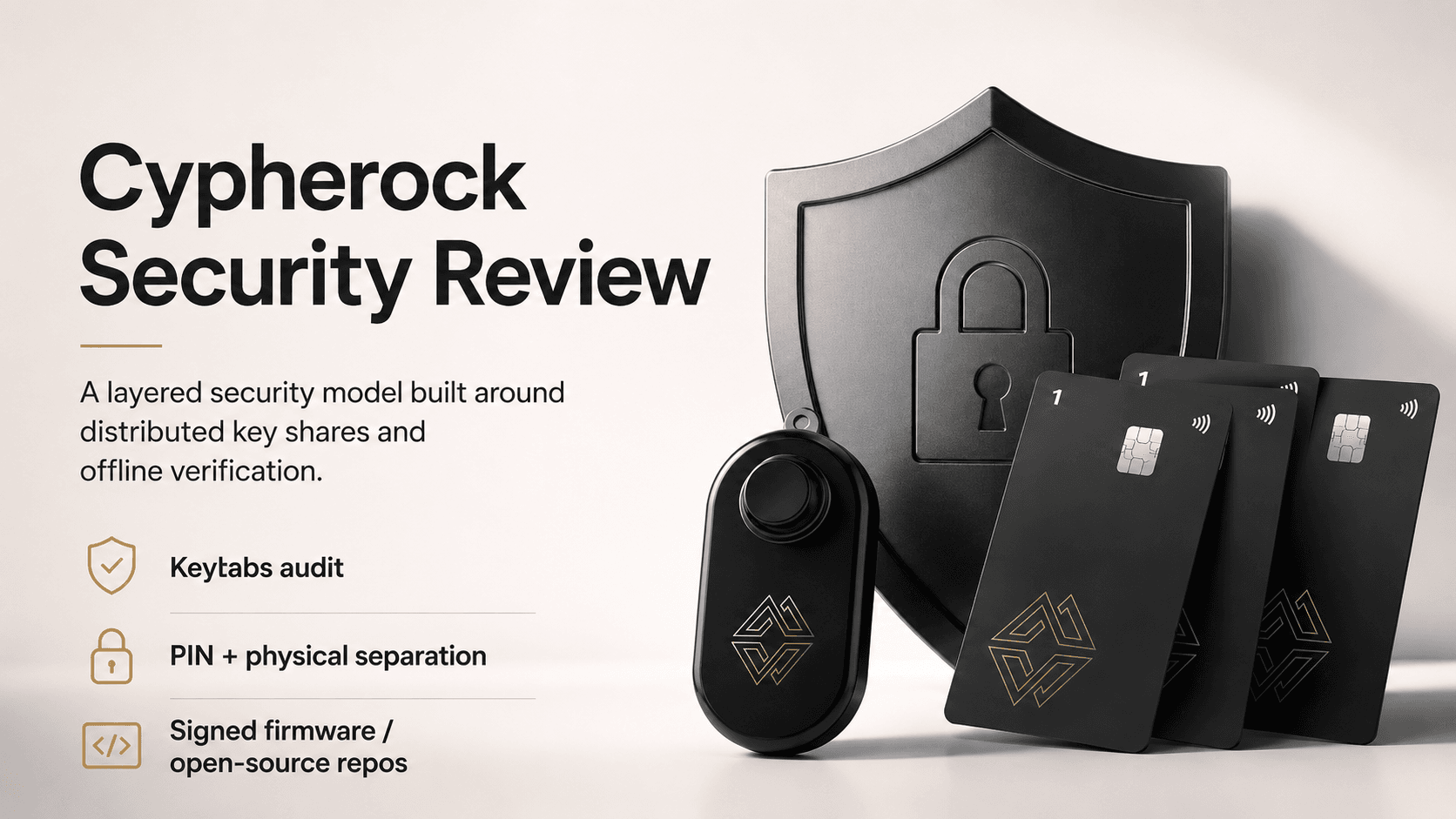
Cypherock’s strongest security claim is its backup design. It reduces reliance on one seed phrase, but it does not remove phishing, bad approvals, unsafe downloads, weak storage, legal mistakes, or careless recovery planning.
Cypherock X1 Security Layers Combine Audits, PIN Protection And Offline Transaction Verification
Keylabs Audit
Cypherock X1 has undergone third-party hardware and firmware testing by Keylabs, a hardware security firm known for research into major wallet vulnerabilities. The audit gives buyers a useful security signal because it covers hardware attack testing rather than only app behavior or marketing claims.
An audit is not a permanent safety guarantee. It is a point-in-time review. Firmware changes, new attack methods, supply-chain issues, and user behavior can still create risk.
WalletScrutiny Review
Cypherock X1 has also been reviewed by WalletScrutiny, which evaluates wallet transparency, reproducibility, and source-code claims. That gives users an independent way to assess the public software story.
Bitcoin.org includes Cypherock X1 in its hardware wallet directory and describes it as an open-source and audited wallet that uses Shamir Secret Sharing to split private keys into five shards.
Remote Attack Protection
Remote attacks usually go after the parts around the hardware wallet: the app, computer, phone, browser, DApp, USB connection, or transaction flow.
Cypherock lowers this risk because the full private key is not kept inside internet-connected software. cySync acts as the interface, while the X1 Vault handles signing.
Users should download cySync only from Cypherock’s official get-started page. Avoid ads, social media links, email links, and search results that may lead to clone sites.
The main remote risks are familiar:
- Fake cySync download: Use the official download page.
- Fake support agent: Never share a seed phrase, PIN, card details, or recovery steps.
- Clipboard malware: Check the address on the Vault screen before signing.
- Malicious DApp: Read the permissions before approving anything.
- Scam token approval: Start with small test transactions and revoke approvals that look suspicious.
The hardware wallet is only useful if the screen is treated seriously. If the Vault shows a transaction the user does not understand or did not intend to make, they should not sign it.
Physical Attack Protection
Cypherock’s 2-of-5 model means one stolen component is not enough by itself. A stolen X1 Card alone should not recover the wallet. A stolen Vault alone should not reveal the full wallet.
PIN protection adds another barrier. Cypherock supports an alphanumeric PIN as part of the wallet protection flow, and the PIN protection documentation explains how it fits into the X1 security model. A PIN does not replace careful storage, but it helps if an attacker gets physical access to a component.
Geographic card storage can improve resilience. A user might keep the Vault at home, one Card in a safe, one Card in another secure location, and one Card with a trusted nominee.
Avoid recovery plans that nobody can follow. Crypto lost through overcomplicated storage is still lost crypto.
Supply Chain and Firmware Protection
Supply-chain risk starts before setup. A fake, tampered, or preconfigured device can defeat careful storage.
Cypherock uses authenticity checks, signed firmware, and initialization checks designed to detect tampering. The project also maintains public GitHub repositories, including X1 wallet firmware and cySync.
The Vault firmware and cySync repositories give users a transparency path. The X1 Cards use proprietary secure-element technology. Users who require fully open-source hardware and firmware from end to end should weigh that trade-off.
Buy from the manufacturer or a trusted reseller, inspect packaging, run authenticity checks, and ignore any inserted card or email asking for a seed phrase. A legitimate hardware wallet setup should never require typing a recovery phrase into a random website.
What Security Risks Still Remain?
Cypherock reduces some backup risks, but users still face normal self-custody threats.
| Risk | What Can Go Wrong |
|---|
| User error | Lost parts, forgotten PINs, poor setup records |
| Phishing | Fake apps, fake support, scam recovery pages |
| Bad address verification | User signs a transaction to the wrong address |
| DApp risk | Malicious approvals or unclear signatures drain funds |
| Too many lost components | Recovery becomes difficult or impossible |
| Seed phrase export | Written seed becomes another single point of failure |
| Supply-chain attack | Tampered device or fake seller compromises setup |
| Firmware risk | Bugs or malicious updates can affect any hardware wallet |
| Inheritance confusion | Family lacks legal right, instructions, or technical ability |
| Privacy exposure | Portfolio tracking and DApp use can reveal wallet patterns |
Cypherock works best when users store components separately, test recovery with a small wallet, verify addresses on the Vault, and use official downloads.
Cypherock's cySync App Review: Desktop, Mobile, Swaps and Portfolio Tracking
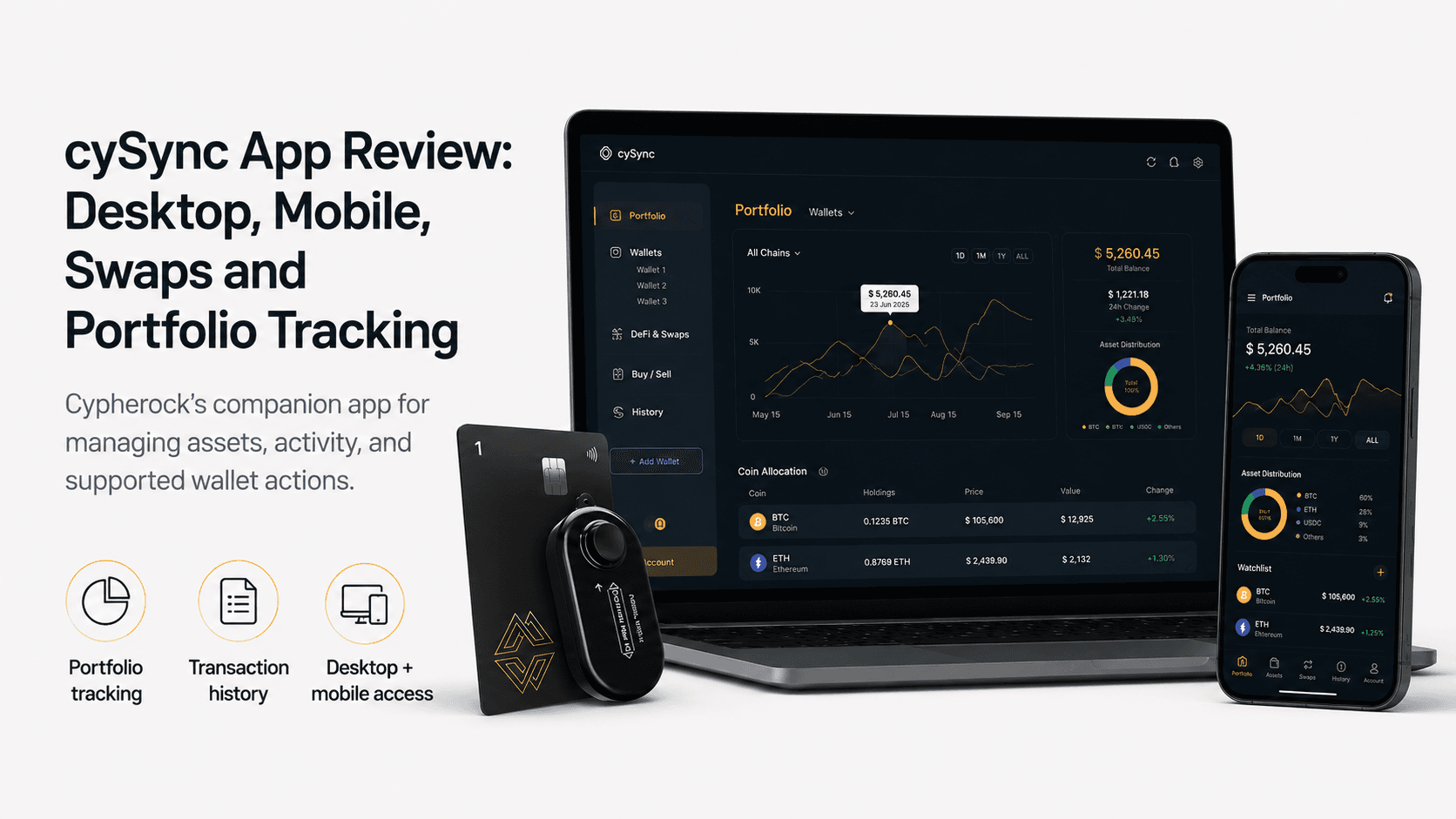
cySync is Cypherock’s companion app for managing accounts, portfolios, transaction history, receiving crypto, sending crypto, swaps, notifications, and DApp connections. It now has a broader platform story than older desktop-only descriptions suggested.
On Android, cySync is available through Google Play with portfolio tracking, transaction history, receive functionality, notifications, and networks such as Bitcoin, Ethereum, Polygon, BSC, Avalanche, Optimism, Arbitrum, Solana, XRP, Tron, Starknet, and ICP. The iOS version is available through the Apple App Store.
The cySync product page includes swaps between 1,000+ cryptocurrencies across 15+ networks, WalletConnect access, and fiat buying through Binance Connect. Availability can vary by country, asset, provider, compliance rules, and app version.
cySync Brings Portfolio Tracking, Transaction History And Wallet Management To Desktop And Mobile
What cySync Does Well
cySync is not just for sending and receiving crypto. It is built for users who want one app to manage several wallets, accounts, and chains.
Its main tools include:
- Portfolio tracking: Shows holdings across supported accounts.
- Transaction history: Helps users track sends, receives, and swaps.
- Receive crypto: Generates deposit addresses for supported assets.
- Send crypto: Builds transactions for review and signing on the X1 Vault.
- Swaps: Lets users swap supported assets where available.
- Notifications: Sends transaction and security alerts.
- WalletConnect: Connects to supported DeFi and NFT apps.
The app is a good fit for multi-chain holders. It also helps users who manage more than one wallet. Portfolio tracking and transaction history sit in one place, which fits Cypherock’s seed vault use case. A user can import or manage multiple wallets under one hardware setup instead of jumping between separate apps.
For basic wallet actions, cySync keeps the flow simple. The important part is that the final approval still happens on the X1 Vault, where the user can check the transaction before signing.
What cySync Still Needs to Improve
cySync has less history than Ledger Wallet, formerly Ledger Live, and Trezor Suite. Ledger has broader mainstream recognition, Bluetooth on Nano X, and a larger third-party integration footprint. Trezor Suite benefits from Trezor’s long open-source track record.
Cypherock Inheritance and Recovery Features
Inheritance is one of Cypherock’s most relevant use cases because self-custody creates a hard problem. Families may need access after death, but users do not want to give anyone live access while they are alive.
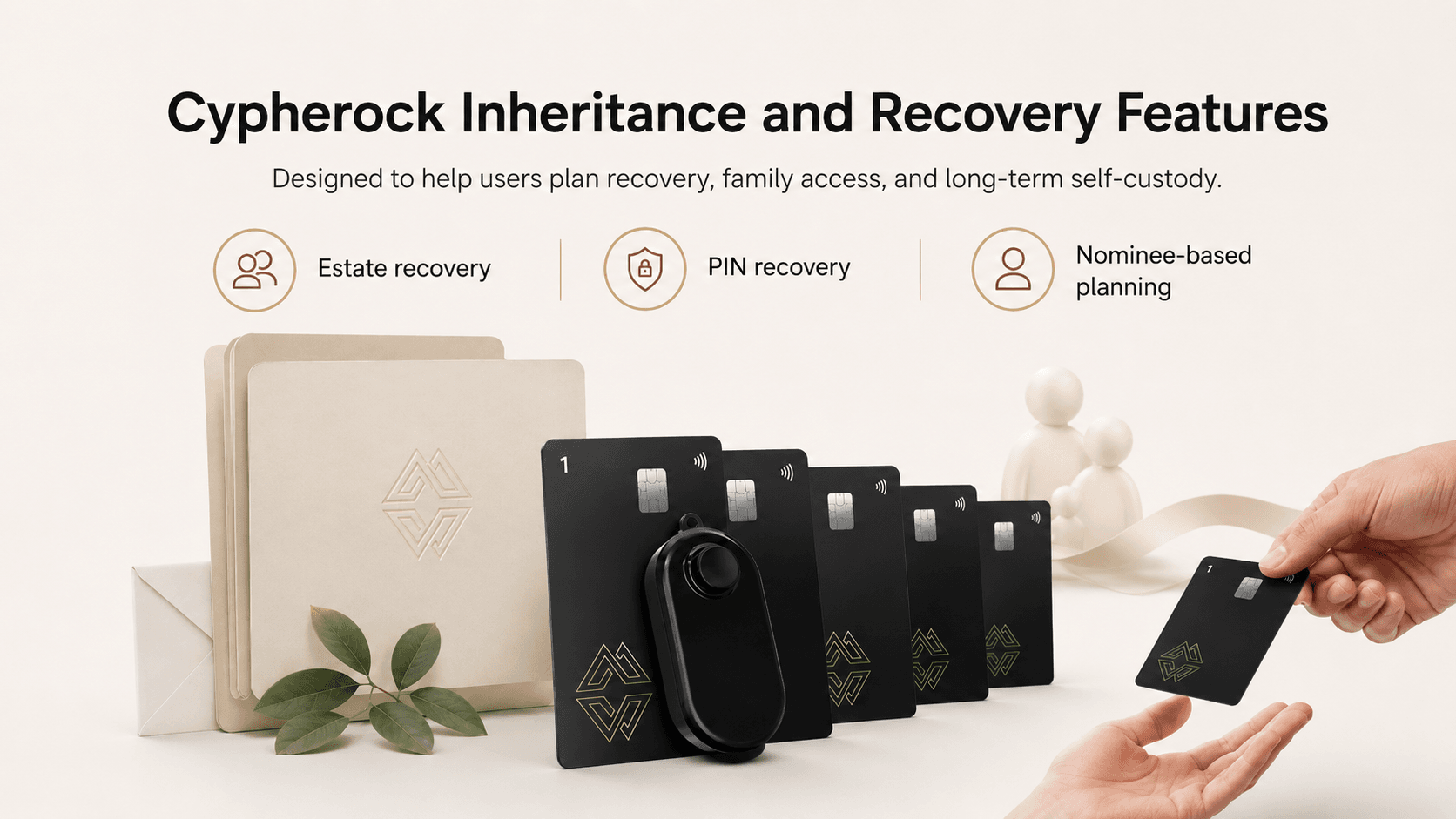
Cypherock Cover is the company’s inheritance and recovery service. The model fits distributed key storage because access can be separated across physical components, nominees, recovery instructions, and legal planning.
Do not treat a wallet feature as a substitute for an estate plan. Crypto inheritance can involve wills, trusts, taxes, probate, local law, and family disputes.
Cypherock Recovery Features Help Users Plan Estate Access, PIN Recovery And Nominee Support
PIN Recovery
PIN recovery is meant to reduce the risk of losing access because a PIN is forgotten. Cypherock’s PIN model uses an alphanumeric PIN as part of the wallet protection flow.
PIN recovery also needs a people plan. A user may understand the device, but a family member may not. Written instructions should explain what the Vault is, what the Cards are, which person holds which item, and which actions should never be taken, such as entering a seed phrase into a website.
Estate Recovery
Estate recovery is nominee-based recovery in plain English. The user sets up trusted people and recovery steps so heirs can regain access under defined conditions.
Cypherock Cover is designed around non-custodial recovery, meaning the company should not hold the user’s private key. Still, nominees need instructions, legal authority, and enough technical guidance to avoid mistakes.
A small test is essential. Set up a low-value wallet and verify that the recovery plan can be understood by the people who may need it.
Inheritance also raises privacy and family-trust questions. A nominee may not have custody today, but they may know that crypto exists and may know where part of the recovery setup is stored. Choose nominees carefully.
What to Check Before Relying on It
Before using Cypherock inheritance:
| Check | Why It Counts |
|---|
| Jurisdiction | Estate law differs by country, state, and family structure |
| Nominee trust | A technical setup cannot fix poor nominee selection |
| Legal documentation | Wills, trusts, and letters of instruction may be needed |
| Recovery instructions | Family members need clear steps |
| Regional availability | Cover features may not be available everywhere |
| Subscription terms | Paid recovery services can change if plans lapse |
| Small-value test | A test can reveal mistakes before large funds are involved |
Inheritance planning should be written, legal, and practical. A family member who receives a Card but has no instructions may still be unable to recover anything safely.
Cypherock Supported Coins, Networks and DApp Access
Cypherock’s current coin support page lists 19,000+ cryptocurrencies.
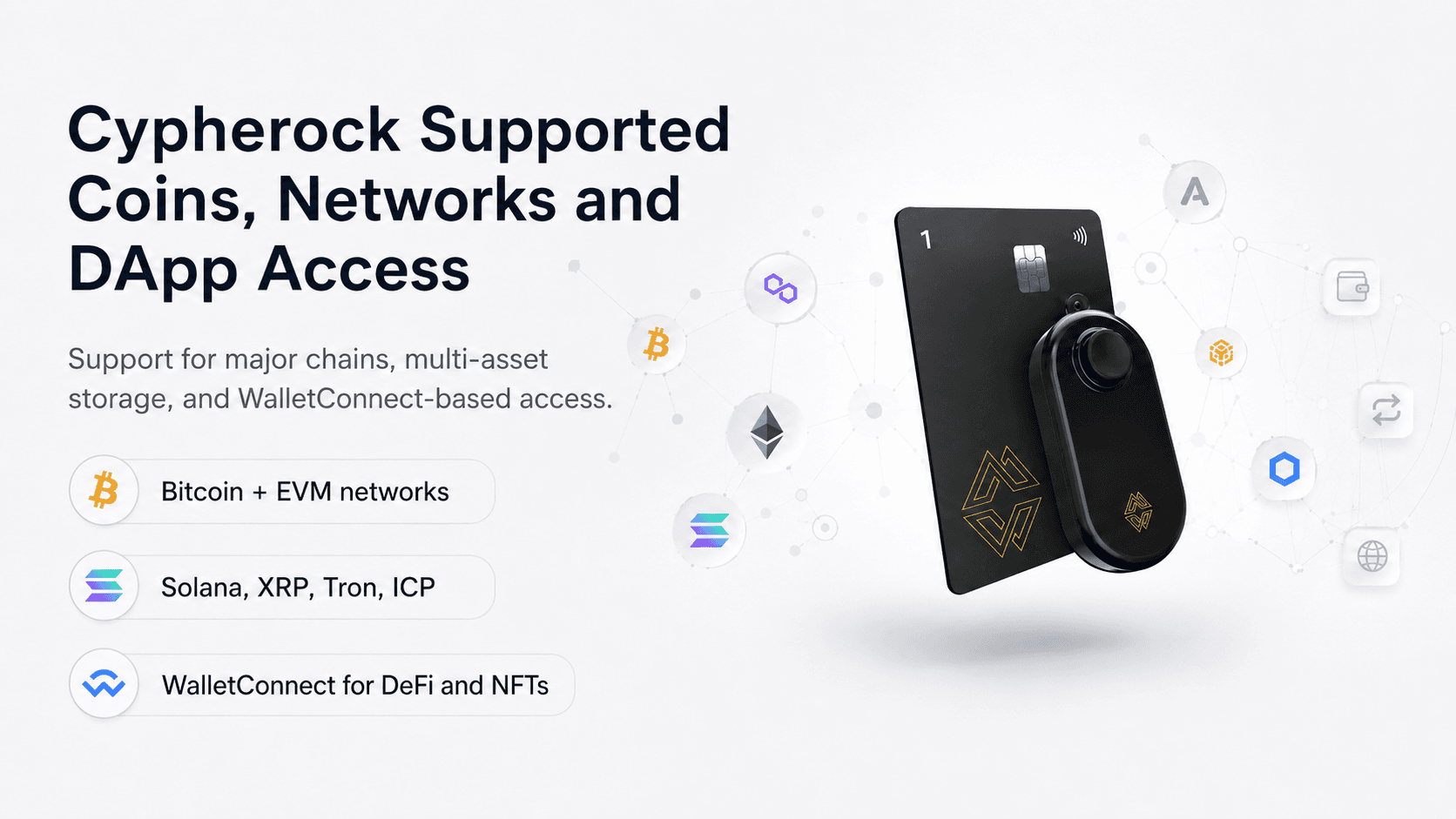
The mobile apps name Bitcoin, Ethereum, Polygon, BSC, Avalanche, Optimism, Arbitrum, Solana, XRP, Tron, Starknet, ICP, and more. DeFi and NFT access runs through WalletConnect where supported.
Cypherock Supports Major Networks, Multi-Asset Storage And WalletConnect Access For DeFi
Bitcoin Support
Cypherock supports Bitcoin. The wallet is included in the Bitcoin.org hardware wallet directory, with Shamir Secret Sharing across four X1 Cards and the Vault.
BTC holders may like Cypherock for long-term cold storage and distributed recovery. Bitcoin-only users who want the simplest possible setup may prefer a simpler Bitcoin wallet or a Bitcoin-only hardware wallet model.
Bitcoin storage is also where Cypherock’s trade-off becomes clear. A BTC-only holder with a small balance may not need a five-part recovery system. A BTC holder with long-term savings, inheritance needs, or concern about seed phrase theft may find the design more compelling.
EVM and DeFi Support
Cypherock supports Ethereum and major EVM networks such as Polygon, BSC, Avalanche, Arbitrum, and Optimism.
WalletConnect enables DApp and NFT access. MetaMask-related workflows depend on the app, network, and connection path.
DeFi adds risk even with hardware signing. Smart contract bugs, malicious approvals, bridge risk, oracle failures, liquidation risk, fake websites, and unclear signatures can still cause losses.
Use small test transactions, review approvals, and avoid connecting a cold wallet holding long-term savings to unknown DApps. A separate hot wallet for experimental DeFi can reduce the blast radius of a bad signature.
Solana and Other Network Support
Cypherock’s app listings also name Solana, XRP, Tron, Starknet, and ICP.
Network support can change. Solana NFTs, XRP features, Tron tokens, Starknet transactions, and ICP flows may each have different app requirements. Test the exact flow with a small amount before storing meaningful value.
Cypherock vs Ledger vs Trezor vs Tangem
Cypherock competes with better-known hardware wallets, but it solves a different wallet problem. It focuses on distributed recovery rather than the lowest price, Bluetooth convenience, or a simple card-only setup.
| Feature | Cypherock X1 | Ledger Nano X | Trezor Safe 3 | Tangem |
|---|
| Backup model | 2-of-5 Shamir split across Vault and Cards | Secret recovery phrase model | Standard seed backup, with advanced backup options in the Trezor ecosystem | Card-based backup model |
| Seed phrase required | Exists, but does not need written backup during setup | Yes in standard setup | Yes | No seed phrase required in common setup, optional in some flows |
| Secure Element | EAL6+ X1 Cards, plus Vault security architecture | Secure Element and Ledger OS | EAL6+ Secure Element | EAL6+ chip |
| Open source | Public Vault firmware and cySync repos; Cards proprietary | Mixed stack with closed Secure Element components | Strong open-source design | App source available; card firmware not fully open source |
| Mobile app | cySync on iOS and Android | Ledger Wallet app | Trezor Suite mobile support, with iOS limits | Tangem app is mobile-first |
| Physical connection | USB-C for Vault, NFC Cards | USB-C and Bluetooth | USB-C | NFC phone tap |
| Bluetooth | No | Yes | No | No |
| DApp access | WalletConnect | Ledger app and third-party integrations | Trezor Suite and third-party integrations | WalletConnect |
| Asset support | 19,000+ shown on Cypherock coin page | 15,000+ coins and tokens on Ledger Nano X page | Thousands of coins and tokens | Broad multi-network support |
| Inheritance feature | Cypherock Cover | Not the main Nano X feature | Not the main Safe 3 feature | Not the main Tangem feature |
| Multi-wallet support | Strong seed vault and multi-wallet angle | Strong app ecosystem | Strong conventional cold storage | Strong simple backup-card setup |
| Best for | Distributed recovery and inheritance | App maturity, Bluetooth, broad integrations | Budget open-source cold storage | Low-cost card-based simplicity |
| Main drawback | More components and more setup planning | Seed phrase remains central in standard setup | Less distributed by default | No built-in screen on the card |
Ledger Nano X supports Bluetooth, USB-C, Ledger Wallet app management, and 15,000+ coins and tokens.
Trezor Safe 3 includes an EAL6+ Secure Element, PIN and passphrase protection, USB-C, Trezor Suite, and support for thousands of coins and tokens.
Tangem sells card-based wallet sets, including a 2-card set and a 3-card set, with taxes and duties handled separately.
For wider context, see our best hardware wallets guide.
Cypherock vs Ledger
Cypherock is stronger for seed phrase backup risk reduction. Its 2-of-5 setup avoids making one written recovery phrase the standard recovery point.
Ledger is stronger for app maturity, Bluetooth, third-party support, and mainstream recognition. Ledger Nano X supports Bluetooth and works with Ledger Wallet across mobile and desktop.
Users who want a polished app, wireless signing, and broad third-party familiarity will often prefer Ledger. Users who worry more about seed phrase storage, inheritance, or several wallet backups may prefer Cypherock.
Read our full Ledger Nano X review.
Cypherock vs Trezor
Cypherock is stronger for distributed backup. It starts with five physical components and any-two recovery.
Trezor is stronger for lower cost, simplicity, and open-source culture. Trezor Safe 3 has a Secure Element, open-source design, on-device confirmation, PIN, passphrase protection, and Trezor Suite support.
Trezor Safe 3 is a strong budget security option for users who are comfortable protecting a seed phrase. Cypherock is more compelling when seed phrase loss, theft, damage, or inheritance is the main concern.
Users who want a straightforward first hardware wallet may find Trezor easier to understand. Users who already know the risk of a single backup phrase may find Cypherock more useful.
Read our full Trezor Safe 3 review.
Cypherock vs Tangem
Cypherock and Tangem both appeal to users who dislike traditional seed phrase backups.
Tangem is simpler, cheaper, and mobile-first. Its card format is easy to use with a phone, and its official pricing page currently lists a 2-card set at $54.90 and a 3-card set at $69.90 before taxes, duties, shipping rules, or promotions.
Cypherock is more advanced. It includes a Vault screen for on-device verification and splits key material across one Vault and four Cards. Users who want distributed recovery and on-device transaction review may prefer Cypherock. Users who want low-cost card-based simplicity may prefer Tangem.
The screen is the big practical difference. Tangem leans into phone-based card simplicity. Cypherock adds a separate Vault display for offline transaction review.
Read our full Tangem Wallet review.
Who Should Buy Cypherock X1?
Cypherock X1 suits users who value recovery design as much as the hardware device itself. It is a cold storage option for people who do not want one seed phrase to carry the full recovery burden.
Cypherock X1 is best for:
- Long-term crypto holders.
- Users worried about seed phrase loss, theft, or fire damage.
- Users who want distributed backup.
- Users planning inheritance.
- Users managing several wallets.
- DeFi users who want WalletConnect with hardware wallet signing.
- Users comfortable with a slightly more advanced setup.
Buyers with serious holdings should think about storage location, family instructions, and recovery testing before moving large amounts.
The device is also useful for users who already have several seed phrases and want a more structured backup model. Cypherock’s seed vault angle can help consolidate recovery planning, but consolidation creates its own responsibility. A stronger backup system still needs clear records and careful access control.
Who Should Avoid Cypherock X1?
Cypherock X1 is not the easiest or cheapest hardware wallet. The same recovery design that makes it appealing can feel excessive for users who want one small device and one simple backup.
Cypherock X1 is not the best fit for:
- Users who want the cheapest hardware wallet.
- Users who want a metal wallet body.
- Users who want Bluetooth.
- Users who only need simple Bitcoin cold storage.
- Users who do not want to manage multiple X1 Cards.
- Users who prefer a fully open-source hardware and firmware stack.
- Users who want the most mature hardware wallet app.
Users who keep the Vault and all four Cards in one drawer lose much of Cypherock’s recovery advantage.
Users who care most about a premium hardware feel may also want to compare alternatives. Cypherock’s strength is the distributed backup system. The Vault itself is practical, but not especially high-end in hand.
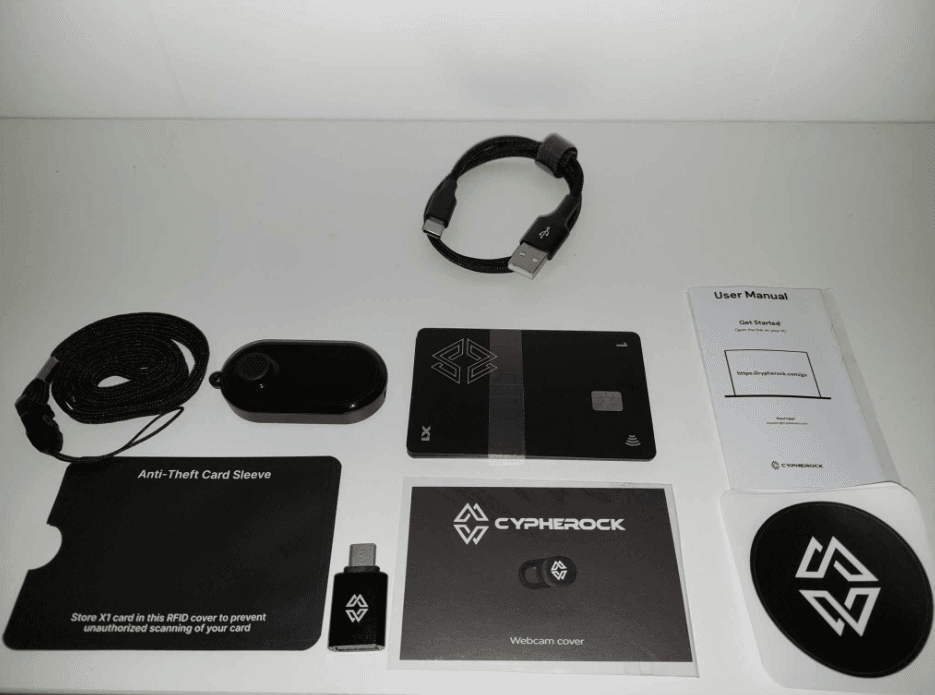
Here are Contents of The Box




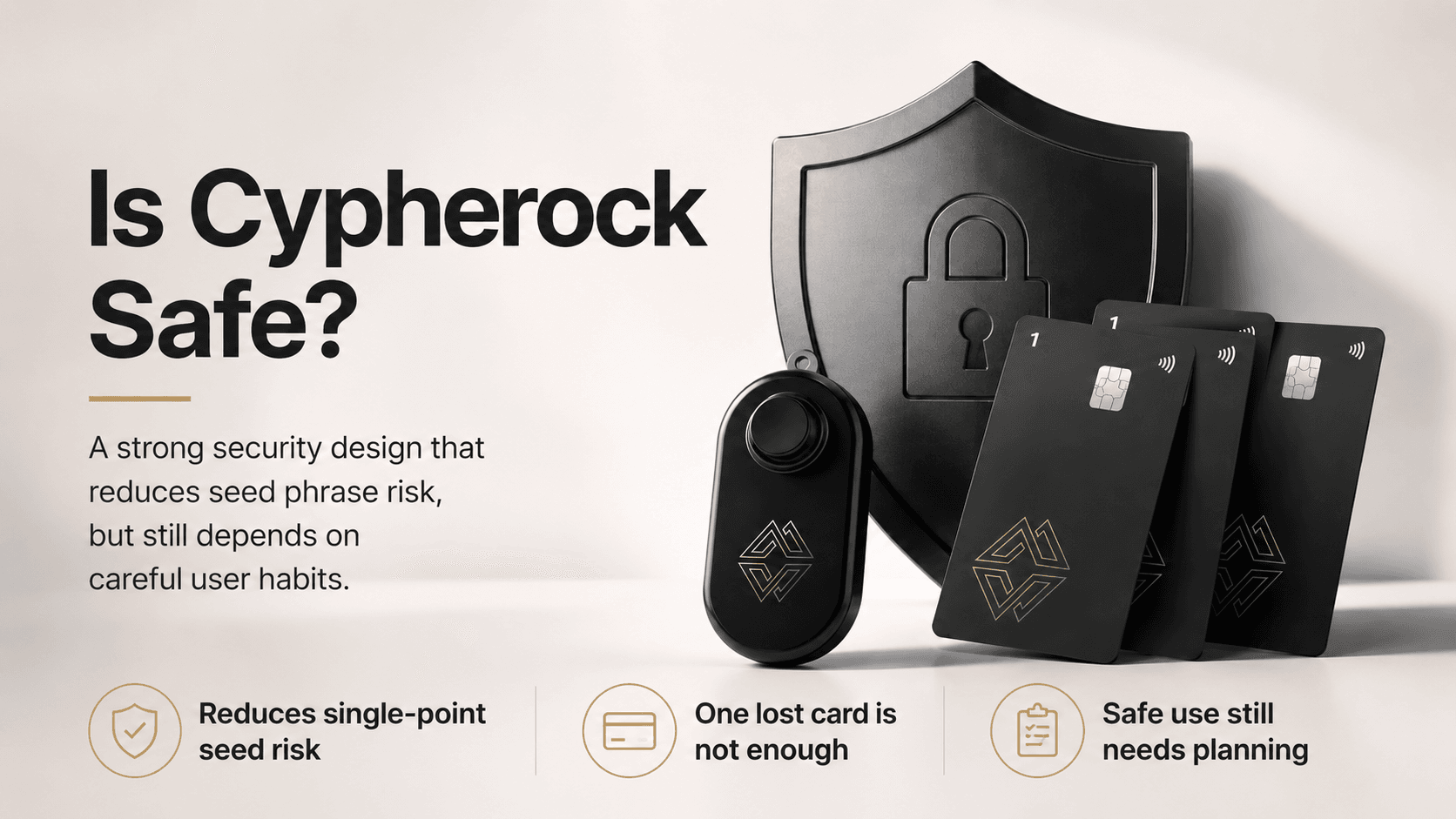 Cypherock’s Security Design Reduces Seed Phrase Risk While Still Requiring Careful Planning