The ELLIPAL X Card is a credit-card-sized NFC cold wallet built for simple self-custody. It works with the ELLIPAL Starter for setup, offline seed generation, PIN and passphrase creation, and card duplication, then uses tap-to-sign NFC for daily transactions, with keys protected inside a CC EAL6+ secure element.
This ELLIPAL X Card review looks at how the card-style cold wallet performs as an everyday self-custody option. We cover its NFC signing flow, offline Starter setup, security design, recovery process, asset support, mobile app experience, pricing, and the trade-offs that come with using a screenless hardware wallet. We also compare where it fits against bulkier devices like the ELLIPAL Titan 2.0 and other card-style wallets, so you can decide whether its slim, tap-to-sign design is the right fit for your crypto setup.
ELLIPAL X Card Review: Quick Verdict
The ELLIPAL X Card is best understood as a portability-first cold wallet rather than a full-screen hardware wallet replacement. Its main appeal comes from combining a credit-card-sized form factor, battery-free NFC signing, offline setup through the Starter, a CC EAL6+ secure element, and broad asset support in a simple mobile-first package. That makes it a clean fit for beginners and everyday self-custody users, but the screenless design also means users rely more heavily on the phone app for transaction details.
Our take: The X Card is one of the more practical cold wallets for users who want tap-to-sign convenience without carrying a chunky device, but it is less ideal for anyone who wants on-device address verification, desktop-heavy workflows, multisig support, or maximum transaction review before signing.
Scorecard
-
1Security Architecture 4.8/5 Offline setup, NFC signing, no USB or Bluetooth, and a CC EAL6+ secure element give the X Card a strong cold-storage foundation.
-
2Asset and Chain Support 4.8/5 Support for 40+ blockchains, 50+ stablecoins, and 10,000+ tokens makes the X Card suitable for most mainstream multi-chain holders.
-
3Setup and Recovery 4.7/5 The Starter keeps wallet creation and recovery offline, while BIP39 seed support gives users a familiar backup path beyond Ellipal hardware.
-
4Value for Money 4.8/5 At $79 with the Starter included, the X Card is competitively priced for a portable, battery-free cold wallet system.
-
5User Experience 4.7/5 The tap-to-sign NFC flow, slim form factor, and mobile-first app make the X Card easy to use for everyday self-custody.
-
6Transaction Review Experience 4.6/5 The app-led signing flow is smooth, though users who want full on-device address and amount verification may prefer a screen-based wallet.
-
7Overall Score 4.8/5 A strong first cold wallet for mobile-first users who value portability, simple NFC signing, offline setup, broad asset support, and seed-based recovery.
Best For
- Beginners moving funds off an exchange or hot wallet for the first time
- Travelers who want a slim, battery-free cold wallet for everyday carry
- Mobile-first users who are comfortable managing crypto through the Ellipal App
- Multi-coin holders who want broad asset support without a bulky device
Not Ideal For
- Users who want on-device address and amount verification before every transaction
- Teams, treasuries, or advanced users who need multisig-first workflows
- Monero users or people with more niche asset-support needs
- Desktop-heavy users who prefer deeper wallet compatibility and browser workflows
ELLIPAL X Card At A Glance
| Category | Details |
|---|---|
| Core Identity | Credit-card-sized, battery-free NFC cold wallet designed around portability |
| Price | $79 for the X Card with Starter; $133.49 bundle with 2 backups and a Starter |
| Signing Method | NFC signing through the Ellipal App, with no USB, Bluetooth, Wi-Fi, or battery dependency on the card |
| Setup Model | Offline wallet creation and recovery through the Starter device |
| Secure Element | CC EAL6+ secure element designed to protect private keys against physical attack paths |
| Asset Support | 40+ blockchains, 50+ stablecoins, and 10,000+ tokens, including major networks such as Bitcoin, Ethereum, Solana, Tron, XRP, Cardano, Polygon, Avalanche, and BNB Smart Chain |
| Backup Model | BIP39 seed phrase support plus the option to duplicate the same wallet to up to 10 additional X Cards during creation or recovery |
| Main Trade-Off | Excellent portability and convenience, but no screen for independent on-device transaction verification |
Disclosure and Methodology
Some links in this article may be affiliate links. If you choose to use a service through these links, we may earn a commission at no additional cost to you.
For this review, we evaluated the ELLIPAL X Card across six main categories: security architecture, asset and chain support, setup and recovery, value for money, user experience, and transaction review experience. We looked at how the X Card works as a real-world cold wallet system rather than judging it only by chip certification or asset count. That included the role of the Starter device, NFC signing flow, BIP39 recovery, backup-card model, mobile app dependency, supported networks, threat model, pricing, and comparisons with Tangem, ELLIPAL Titan 2.0, and Ledger Flex. We also weighed the limitations carefully, including lack of on-device verification, reliance on the phone app for transaction details, weak fit for multisig users, and the fact that portability comes with less independent review than screen-based hardware wallets.
Ellipal X Card at a Glance
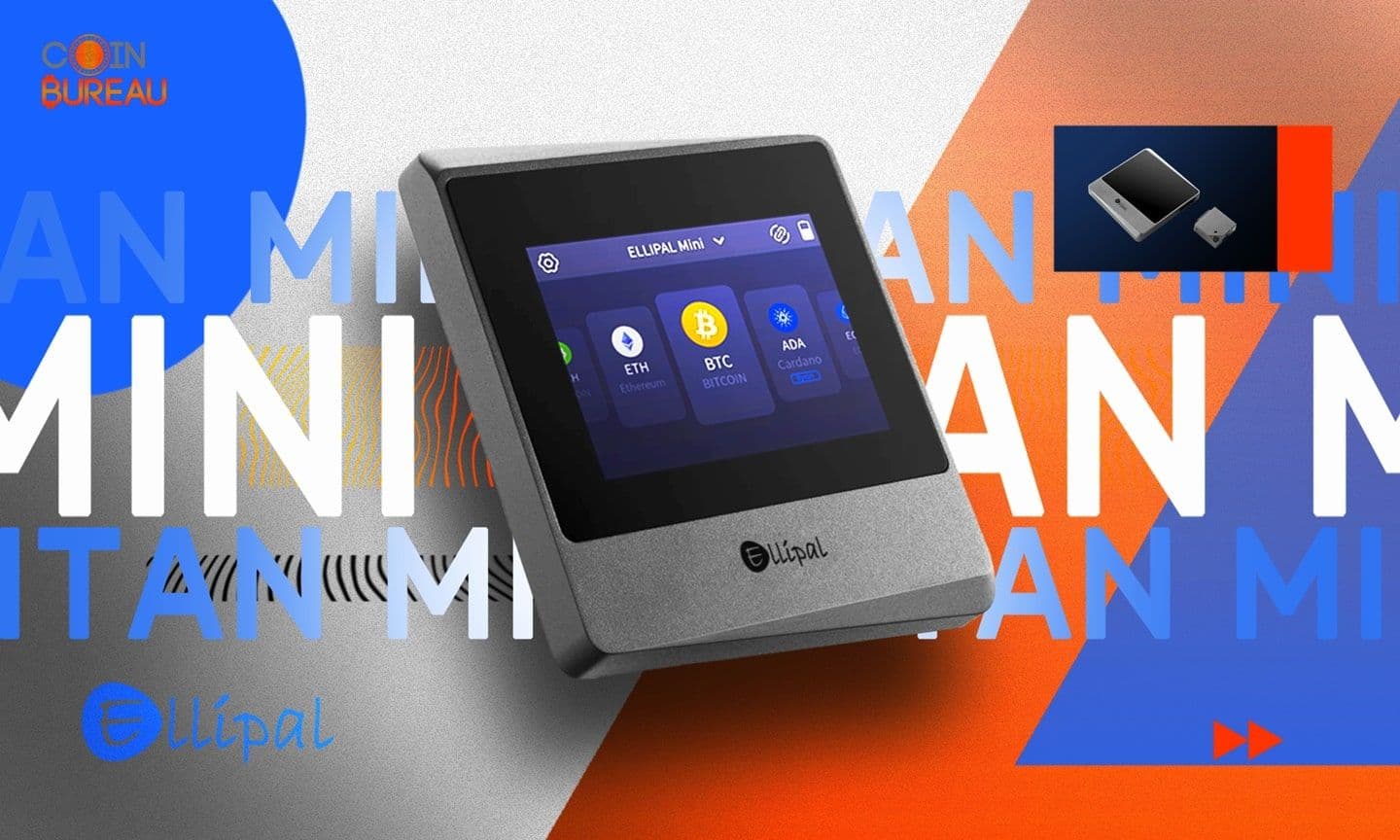
The ELLIPAL X Card is a credit-card-sized, battery-free cold wallet that signs through NFC and uses the offline Starter for setup. Ellipal uses a CC EAL6+ secure element under the Common Criteria framework, supports 40+ blockchains and 10,000+ tokens, and comes with the card, Starter, recovery sheets, a sleeve, and a guide.
Compared with the ELLIPAL Titan 2.0 and Tangem, the X Card is built around portability first: tap-to-sign, no battery, and no screen.
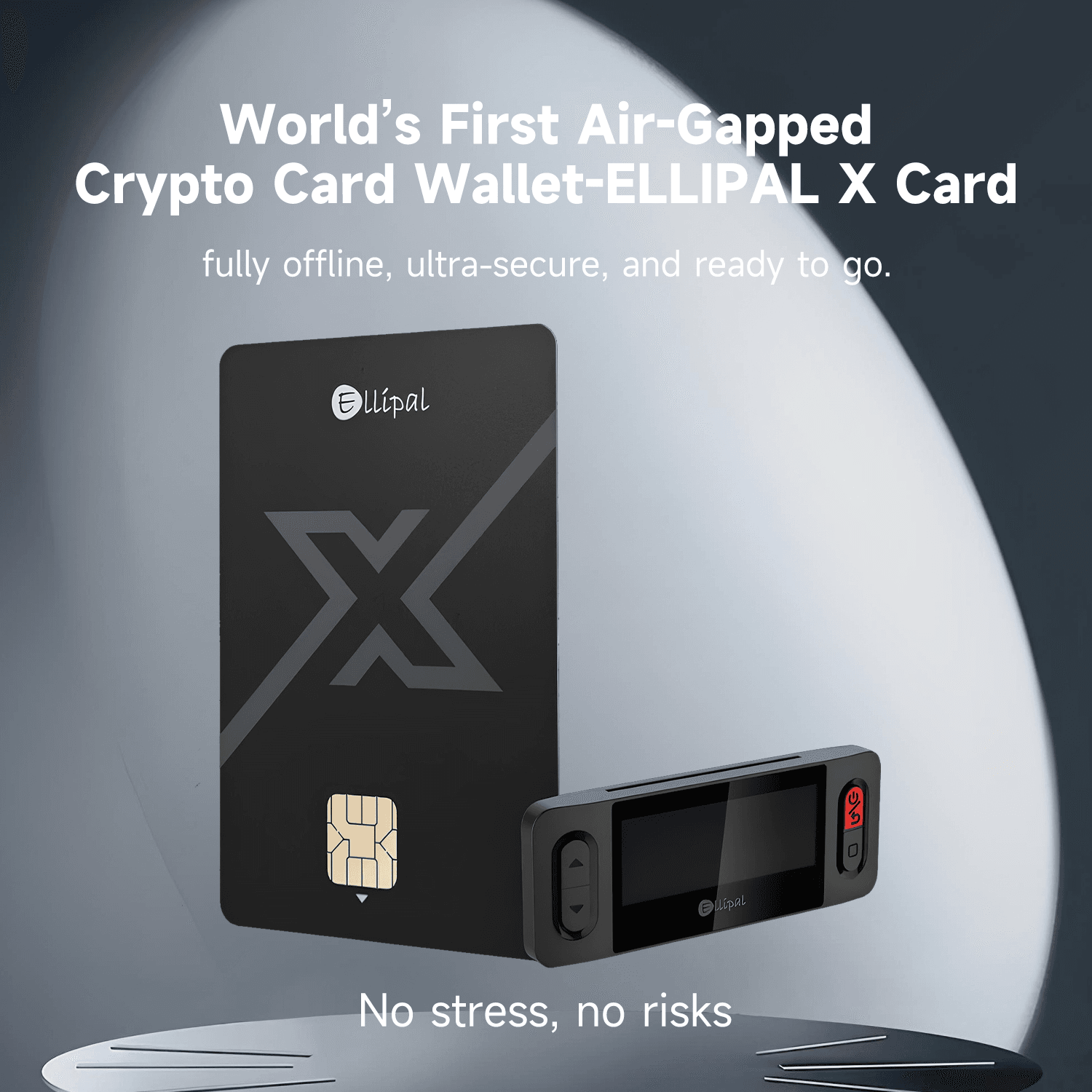 The Ellipal X Card is Built around Portability First: Tap-to-Sign, No Battery, and No Screen. Image via Ellipal
Core Specs
Spec | X Card |
|---|---|
Price | $79 |
Form factor | Card wallet |
Signing | NFC |
Air-gap | Offline setup via Starter |
USB / Bluetooth | None |
Screen | None |
Secure element | CC EAL6+ |
Supported assets | 40+ blockchains, 10,000+ tokens |
Comparison Table
Product | Price | Secure Element | Screen | Connectivity | Setup Dependency | Backup Model | Mobile Dependency |
|---|---|---|---|---|---|---|---|
$79 | CC EAL6+ | No | NFC | Uses Starter for setup | Seed phrase + spare cards | Primary | |
$169 | CC EAL5+ | Yes | QR only | Standalone | Seed phrase | Secondary | |
$54.90 (2 cards) | EAL6+ | No | NFC | Phone App + card | 2- or 3-card set | Primary | |
$99 | No | NFC | Phone App + card | Primary |
Who Should Buy the Ellipal X Card
The ELLIPAL X Card makes the most sense for people buying a first hardware wallet and moving funds off an exchange or a hot wallet. Because it signs by NFC and relies on the ELLIPAL App, it is best for users who are comfortable with a mobile-only setup.
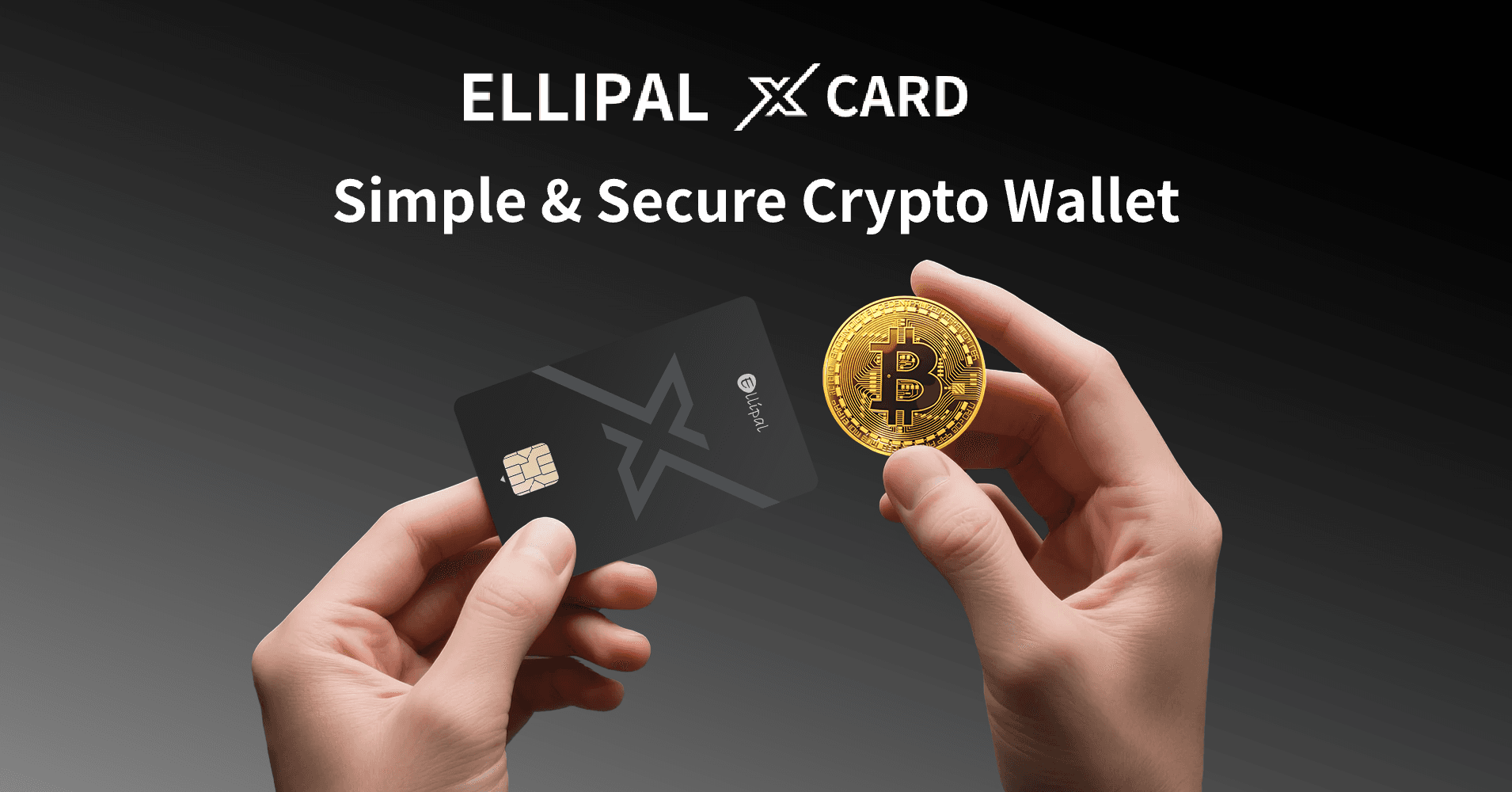 Ellipal X Card is Best for Users Who are Comfortable with a Mobile-Only Setup. Image via Ellipal
Good Fit
Beginners, travelers, and multi-coin holders who want a slim cold wallet with simple tap-to-sign use. It also fits people who value portability more than advanced DeFi or desktop-heavy workflows.
Poor Fit
Skip it if you want on-device address verification, use multisig, or need Monero support; in those cases, the ELLIPAL Titan 2.0, Ledger Flex, or Trezor Safe 5 are usually better fits.
The X Card is strongest when convenience and portability matter most, and weaker when your threat model demands a screen or deeper wallet compatibility.
What’s in the Box: X Card, Starter and Accessories
The ELLIPAL X Card is really a two-part system: the card handles daily signing, while the Starter handles offline setup and recovery. Before anything else, inspect the tamper-evident packaging and follow Ellipal’s authenticity prompts during setup.
The X Card Itself
The X Card is a slim, card-format wallet designed to sit in a real wallet, not on a desk. The package is built around the card itself, with backup cards, a recovery sheet, an RF blocking sleeve, a charging cable for the Starter device, and a quick start guide; the key practical detail is the chip side, since Ellipal’s setup flow centers NFC use and insertion around that face.
The Starter Device
The Starter device is an offline helper with a display, physical buttons, and a power-only USB-C charging port. Its job is to create or recover the wallet and show the seed phrase offline, not to act as a transaction-verification screen.
Taken together, the bundle makes more sense once you see it as a setup kit rather than a standalone card.
For beginners, that split is easier to grasp after reading our guide on how hardware wallets work.
How Setup Actually Works Using the Starter Device
Setup is simple once you understand the split: the ELLIPAL App handles balances and transactions, while the Starter handles wallet creation and recovery offline. Think of the phone as the dashboard and the Starter as the locked room where the sensitive setup happens.
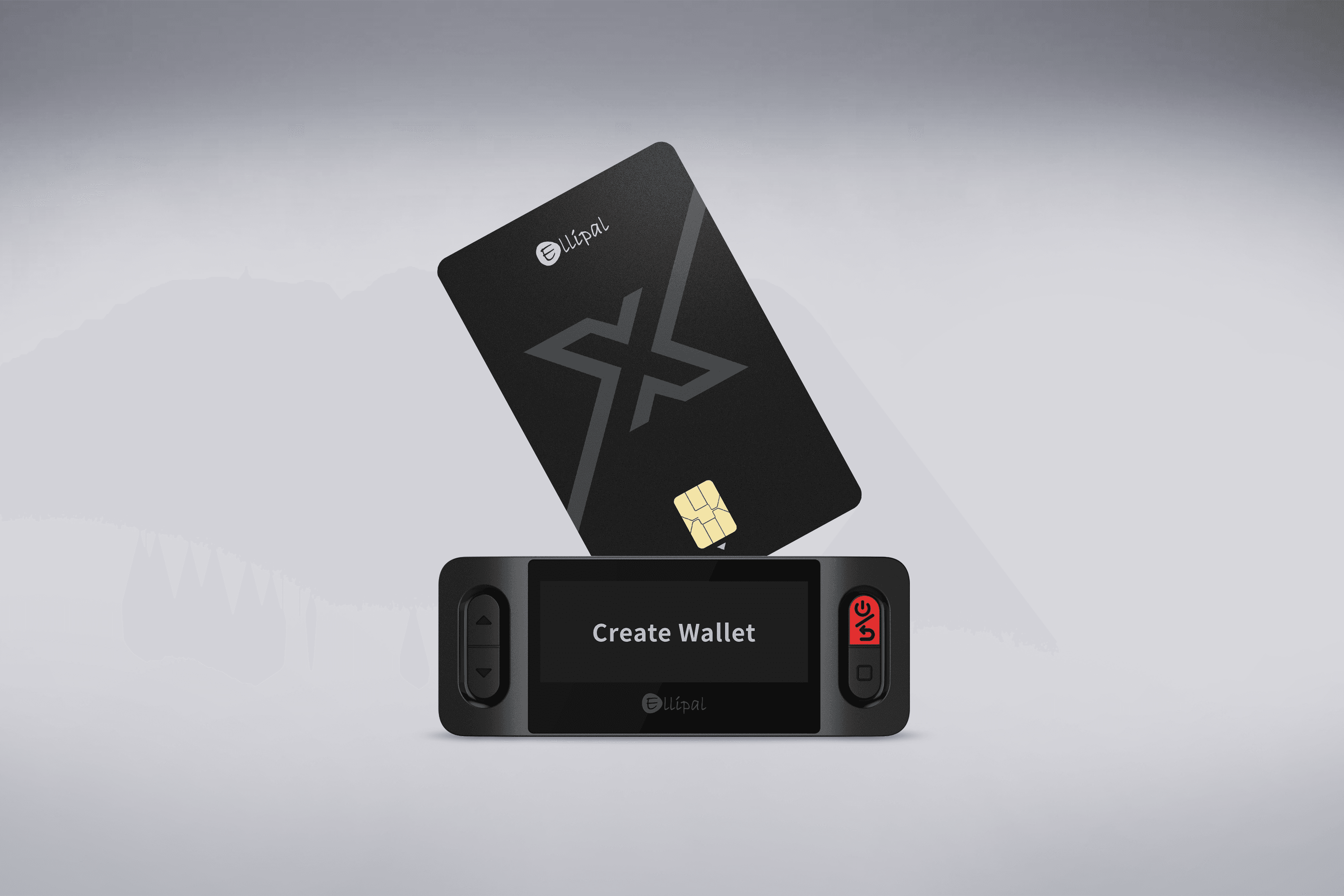 The Phone is the Dashboard and the Starter is the Locked Room Where the Sensitive Setup Happens. Image via Ellipal
Install the Ellipal App Safely
Download the app only from the App Store or Google Play. Avoid unofficial APKs, check the publisher name carefully, and review permissions before continuing, since fake wallet apps are one of the easiest ways to lose a seed phrase.
Learn more from our guide on how to secure your seed phrase.
Create a Wallet on the Starter
Ellipal’s official setup flow says only the Starter can initialize the X Card.
- You insert the card
- Choose to create or recover a wallet
- Generate a 12-word, 15-word, 18-word, or 24-word seed phrase offline
- Set a 6-digit PIN (if you want a passphrase, Ellipal says it is enabled on the Starter, not in the app.)
Pair the Card and Complete Mobile Setup
After setup, you open the app and tap-to-pair the card with your phone. Ellipal also says you can duplicate the same wallet to up to 10 additional cards during creation or recovery, while both iOS and Android support NFC pairing, though tap position can vary by handset and thick cases can interfere.
That flow is cleaner than it first sounds: initialize offline, pair by tap, then use the phone for everyday management. The main thing to avoid is rushing the backup stage or making the kind of hardware wallet mistakes that are easy to prevent early.
How the Ellipal X Card Security Model Works
The X Card’s security model is built around separation. Instead of putting every job into one device, Ellipal splits setup, key storage, and daily use across the card, the Starter, and the ELLIPAL App as mentioned earlier.
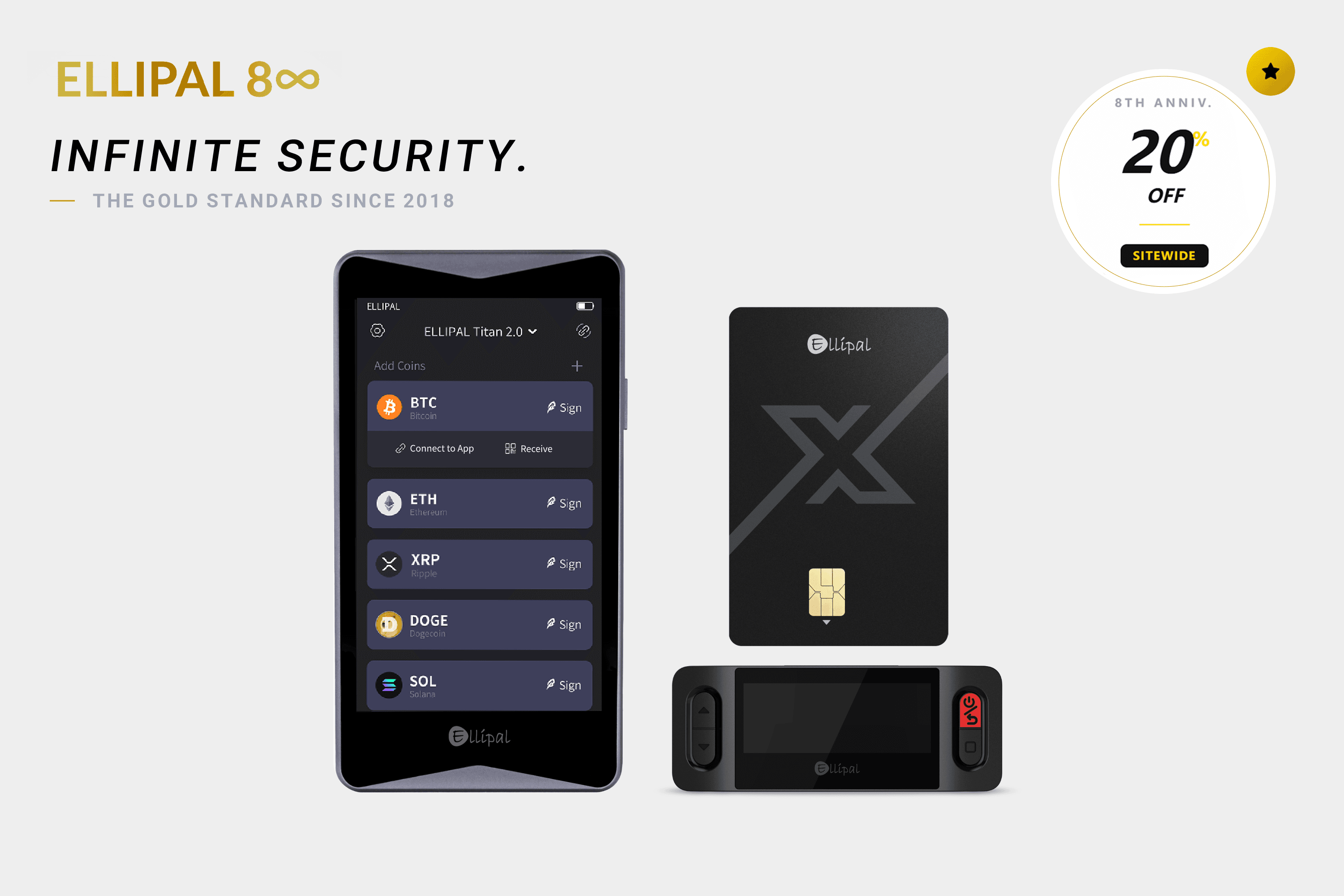 Ellipal Splits Setup, Key Storage, and Daily Use across the Card, the Starter, and the ELLIPAL App. Image via Ellipal
What the Card, Starter and App Each Do
- The card stores the keys and performs NFC signing.
- The Starter is only for offline setup, seed display, recovery, and passphrase actions, while the phone app builds and broadcasts transactions.
Why the Security Model Is Strong but Not Frictionless
That design lowers the wallet’s attack surface because there are fewer direct connection paths to exploit. The trade-off is that this is still a screenless wallet, so during everyday self-custody use, you rely more on the app and phone to show the right address and transaction details.
That makes the X Card strong against remote exposure, but not perfect for users who want independent on-device verification before every send.
The CC EAL6+ Secure Element Explained
This is the part of the X Card that matters most for physical security. Think of the secure element as the hardened vault inside the wallet, while the rest of the product decides how easy that vault is to use safely.
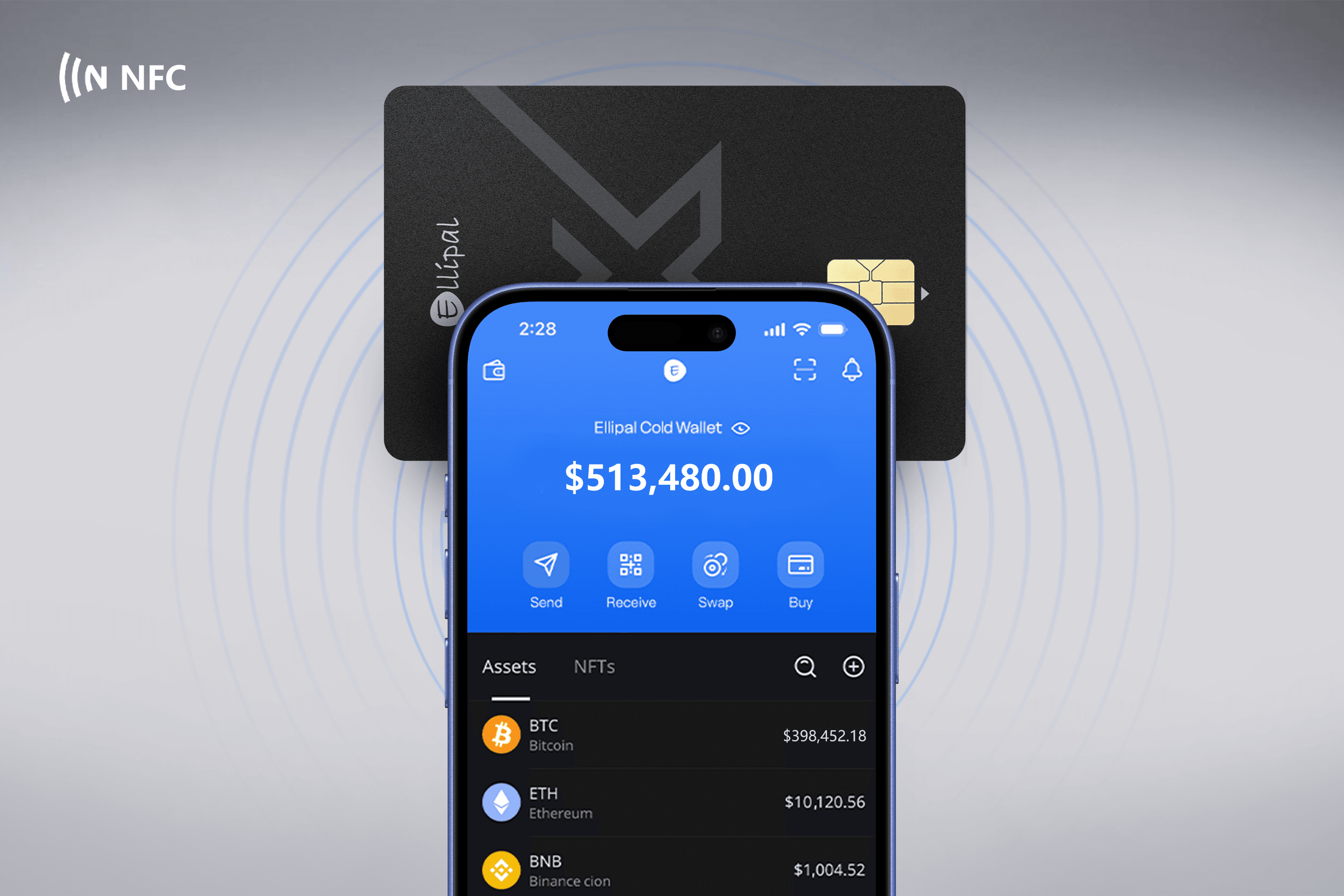 This is the Part of the Ellipal X Card that Matters Most for Physical Security. Image via Ellipal
What Chip Security Certification Actually Tells You
The Ellipal X Card uses a CC EAL6+ secure element. Under the Common Criteria framework, EALs are predefined assurance packages, so CC EAL6+ signals a very high level of formal evaluation, not a promise that the wallet is unbreakable. In practice, this kind of certification is meant to make hardware attacks such as probing, fault injection, and some forms of side-channel attack much harder.
Recovery, Backup Cards and Seed Portability
Recovery is where the X Card becomes easier to understand. Your crypto does not live on the card itself, so losing a card is survivable as long as your backups are intact.
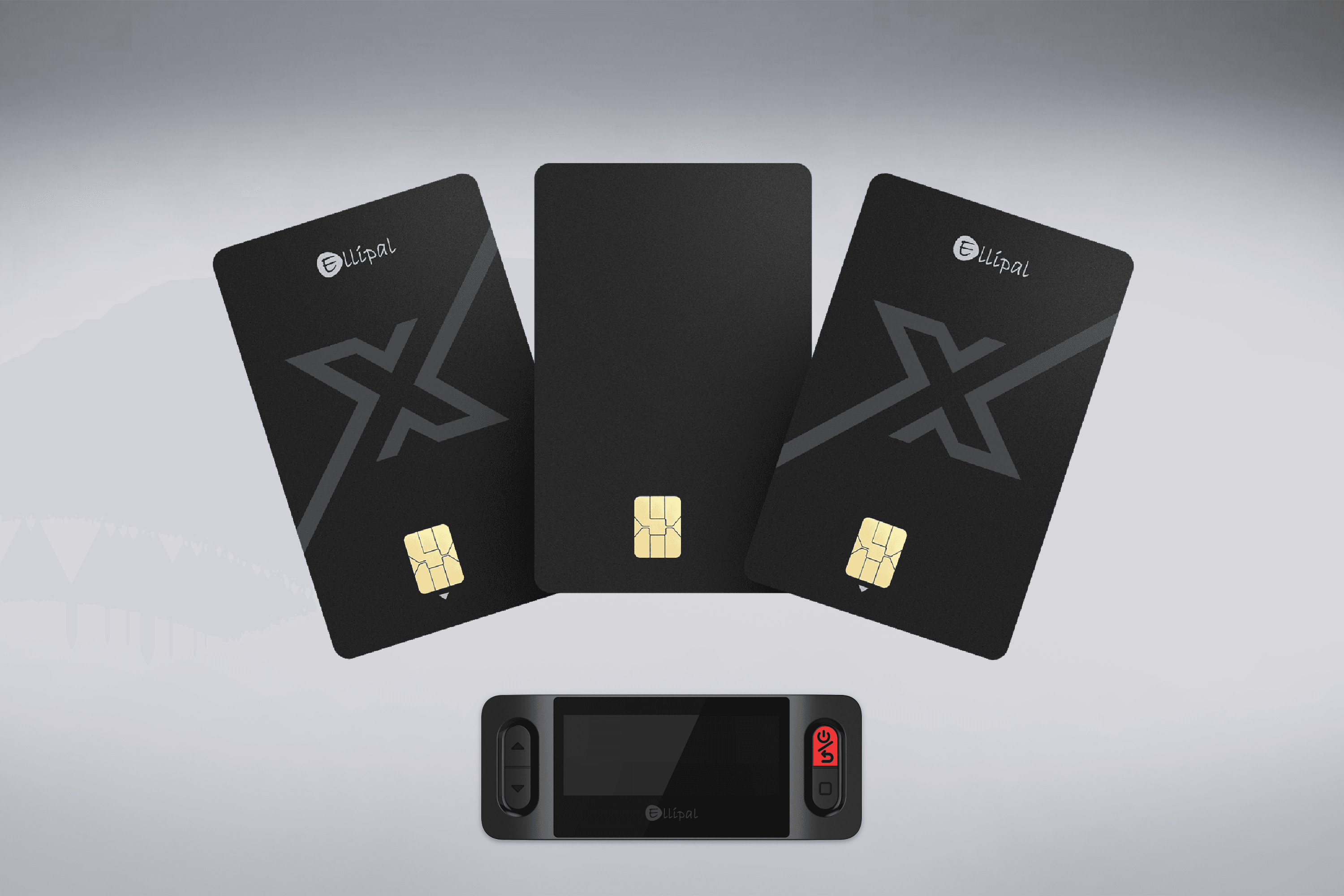 Your Crypto does not Live on the Card Itself, so Losing a Card is Survivable as Long as Your Backups are Intact. Image via Ellipal
How Ellipal’s Backup and Cloning System Works
According to Ellipal’s setup guide, you can duplicate one wallet to up to 10 additional X Cards during creation or recovery. That gives you a practical backup card system for home storage, travel, or family planning, but it is still the same wallet underneath, so one exposed seed phrase can compromise every clone card tied to it.
BIP39 Portability as Your Safety Net
The Ellipal X Card supports BIP39 recovery. It means you are not locked into one brand forever. If Ellipal disappeared, the real fallback would be to restore wallet access in another compatible wallet, though account discovery can still depend on derivation path standards, as with other HD wallets.
The practical rule is simple: treat extra cards as convenience backups, not magic backups. For real resilience, keep backups geographically separate and secure the seed independently.
Supported Coins, Tokens and App Features
The X Card support spans 40+ blockchains and 10,000+ tokens, which is broad enough for most mainstream portfolios.
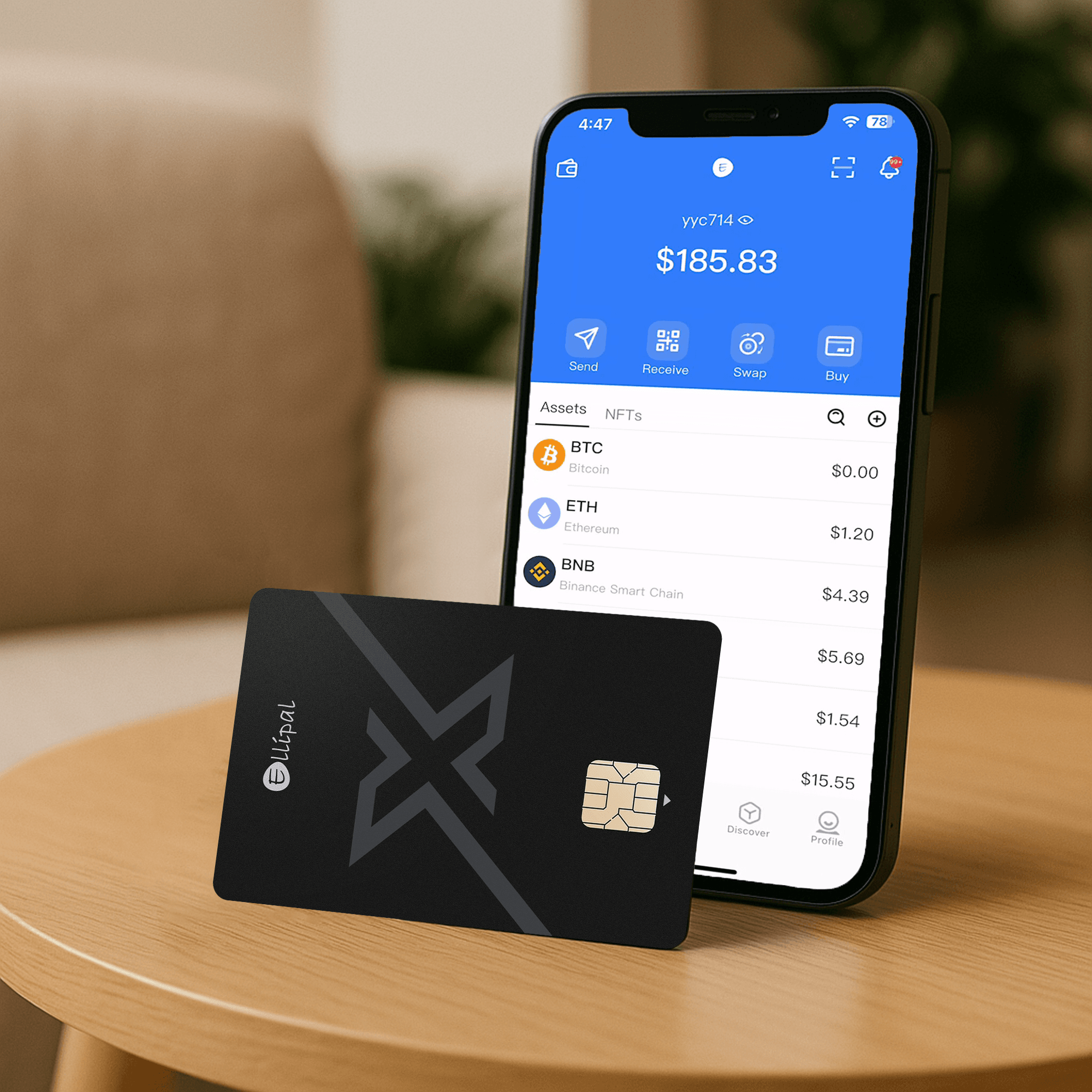 The X Card Supports 40+ Blockchains and 10,000+ Tokens, which is Broad enough for most Mainstream Portfolios. Image via Ellipal
Major Chains and Token Standards
Major supported networks include:
On the token side, the wallet supports ERC-20, BEP-20, and SPL, which covers common holdings like USDC and USDT.
WalletConnect, Swaps and In-App Features
Inside the app, users can do more than just store coins. WalletConnect and the Discover tab let you connect to DApps for things like swaps, NFTs, lending, borrowing, staking, and other Web3 activity from a phone. The app also supports cross-chain swaps, buying and selling crypto with cards, Apple Pay, Google Pay, SEPA, and Venmo, staking for assets such as ADA, ATOM, XTZ, DOT, and KSM, and NFT storage and viewing.
Important Gaps
The weak point is not mainstream asset coverage but edge-case compatibility. Monero is not part of the current support list, and advanced multisig workflows are not the X Card’s natural strength.
For most buyers, coin support will not be the deciding factor. The bigger question is whether you want a mobile-first wallet with broad coverage, or a more specialized setup with deeper desktop and multisig flexibility.
Threat Model: What the X Card Protects Against and What It Doesn’t
The X Card is best understood through a threat model, not a marketing slogan. It lowers some risks very effectively, but it does not turn bad habits or a compromised phone into a non-issue.
 The X Card is best Understood through a Threat Model, not a Marketing Slogan. Image via Ellipal
Threats It Defends Against
- The biggest win is reducing direct exposure to malware, because the card keeps private keys offline and uses NFC instead of a live USB, Bluetooth, or Wi-Fi link.
- It also cuts custodial risk, so an exchange collapse or frozen account does not lock up coins you already withdrew.
- A SIM swap is less useful here too, since the wallet is not unlocked by your phone number.
- For basic physical theft, the card is PIN-protected and wipes after 10 failed attempts.
Threats It Only Partially Defends Against
- It helps with a supply-chain attack by pushing users to inspect tamper-evident packaging and authenticity checks, but that is not the same as eliminating the risk.
- The bigger limitation is blind signing: on a rooted phone or jailbroken phone, the app could show misleading transaction details.
- An NFC relay attack is also a low-probability but real edge case in close-range environments.
Threats It Does Not Solve
- It does not solve coercion, including the classic $5 wrench attack, and it cannot save you from catastrophic backup loss.
- If the card, every backup, and the recovery materials are all gone, access is gone with them.
That is the real balance: the X Card is strong against remote and custodial threats, but weaker where human pressure, phone trust, or backup discipline are the deciding factors.
Pricing, Availability and What You’re Really Paying For
At $79, the X Card feels more compelling once you realize it includes the Starter, making it a fairly aggressive price for a battery-free wallet system.
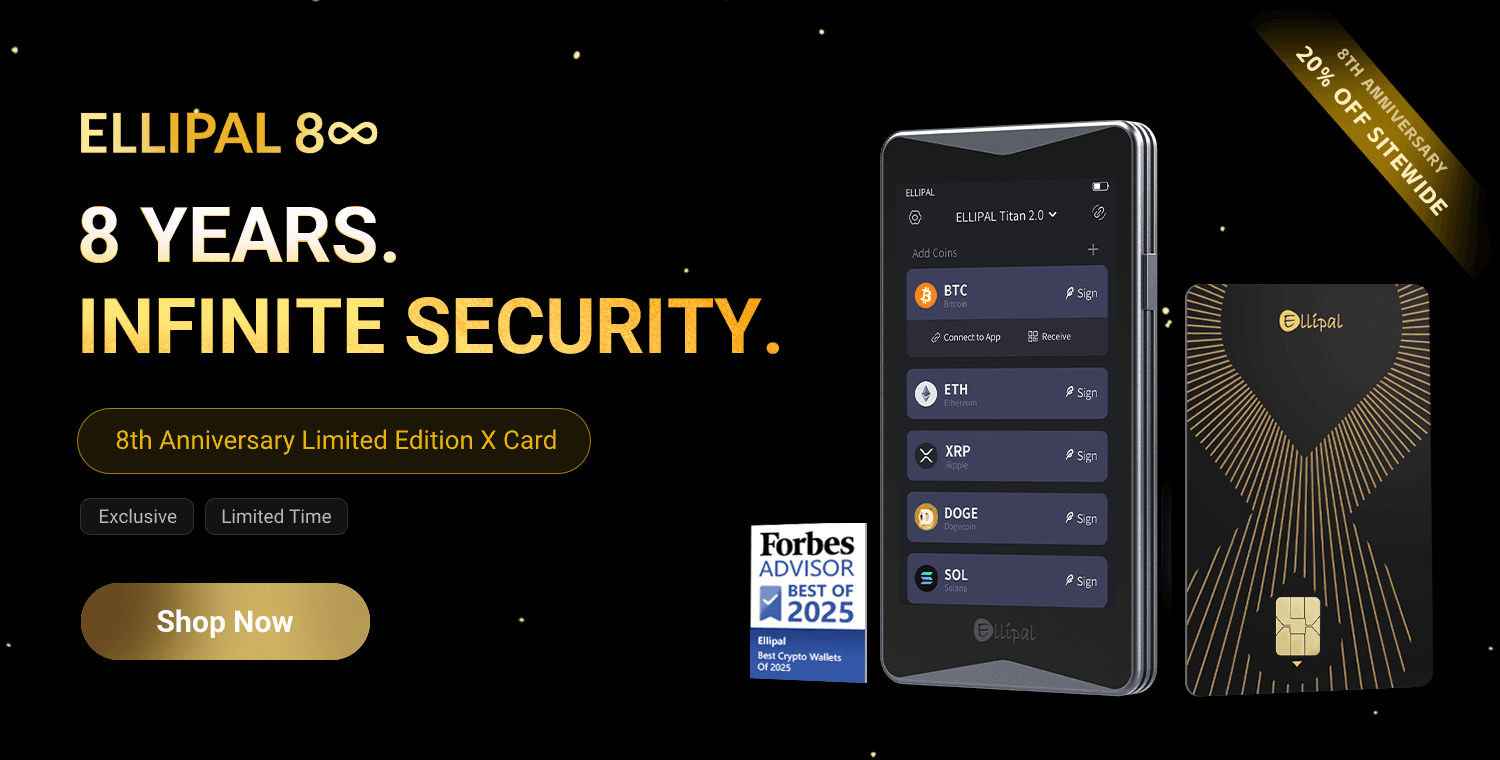 At $79, the X Card Feels More Compelling as it includes the Starter. Image via Ellipal
Base Price and Bundle Structure
The base X Card with Starter starts at $79, while the backups separately, X Card Duo gives you extra backup cards but no Starter.
As a bundle, X Card comes with 2 backups and a Starter for $133.49.
Official Store vs Amazon vs Resellers
The safest route is always the official store, the listed official Amazon stores and reseller network, and the built-in authenticity check. That matters because a counterfeit or tampered wallet defeats the point of cold storage.
Value for Money at This Price
On value, you are paying for portability and simple NFC use, not a screen. Shipping, possible customs, and a 1-year warranty all affect the real cost, so it is worth comparing the X Card with other best hardware wallets before buying.
Ellipal X Card vs Tangem
These are the two most direct card wallet rivals going head to head in this review. Both are screenless, phone-led cold wallet options, but they differ a lot in how they handle setup, backup, and long-term portability.
Product | Price | Coin Support | Seed Generation Model | Recovery Model | Backup Design | App Dependency | Screenless Trade-Off | Long-Term Recoverability |
|---|---|---|---|---|---|---|---|---|
ELLIPAL X Card | $79 for 1 card; $133.49 for 3 cards | 40+ blockchains, 50+ stablecoins, 10,000+ tokens | Seed generated offline with the Starter | Seed phrase or restore to another X Card | Up to 10 additional cards can share the same wallet | High | No screen, so transaction details are trusted through the phone app | Strong, because it uses BIP39 seed recovery |
$54.90 for 2 cards; $69.90 for 3 cards | 14,100+ assets across 90+ networks | Seedless by default; optional seed phrase | Recover with another linked Tangem card, or with a seed phrase if you enabled one | 2-card or 3-card set from the start | High | No screen, so transaction details are trusted through the phone app | Good, but best when seed phrase is enabled for cross-wallet portability |
Tangem is cheaper and more plug-and-play, while the X Card is closer to a traditional seed-based self-custody model. If you want the easiest tap-and-go setup, Tangem has the edge; if you want offline seed creation and a more familiar recovery path, the X Card is the stronger fit.
Read more in our exclusive Tangem review.
Ellipal X Card vs Ellipal Titan 2.0
The ELLIPAL X Card is the lighter, battery-free option for everyday carry, while the ELLIPAL Titan 2.0 is the larger hardware wallet built around a screen and QR code signing.
Product | Price | Asset Support | Secure Element | Screen | Connectivity | Power | Best Fit |
|---|---|---|---|---|---|---|---|
ELLIPAL X Card | $79 | 40+ blockchains, 50+ stablecoins, 10,000+ tokens | CC EAL6+ | No | NFC | Battery-free | Travel, daily carry, simple tap-to-sign |
ELLIPAL Titan 2.0 | $169 | 40+ blockchains, 50+ stablecoins, 10,000+ tokens | CC EAL5+ | 4.0-inch touchscreen | QR scanner | 1400 mAh battery | Home storage, larger balances, clearer transaction review |
The extra spend on the Titan 2.0 mainly buys you a screen, offline transaction review, and a more traditional workflow. The X Card wins on portability and convenience, but the Titan 2.0 is the better pick for users who want to verify every address and amount on-device before signing.
There is a lot more information in our ELLIPAL Titan 2.0 review.
Ellipal X Card vs Ledger
The X Card cuts connection paths, while the Ledger Flex gives you stronger on-device review before you sign.
Product | Price | Connectivity | Secure Element | Screen Verification | App Trust Model | Reputation Note |
|---|---|---|---|---|---|---|
ELLIPAL X Card | $79 | NFC only; no USB, Bluetooth, or Wi-Fi | CC EAL6+ | No screen | Higher app trust | No comparable customer data leak publicly disclosed |
Ledger Flex | $249 | Bluetooth 5.2, USB-C, NFC | ST33K1M5, CC EAL6+ | 2.84-inch secure touchscreen | Lower app trust during signing | 2020 e-commerce data leak |
For a smaller attack surface, the X Card has the edge. For better screen verification, broader app support, and a more flexible daily workflow, Ledger Flex is the stronger fit.
You can learn more from our Ledger Flex review.

Final Verdict: Should You Buy the Ellipal X Card in 2026?
The ELLIPAL X Card stands out as a clever hardware wallet for people who want simple self-custody without carrying a chunky device. At $79 for the card and Starter, it offers a genuinely portable, battery-free, tap-to-sign experience with offline setup through the Starter, strong chip-level protection, and enough asset support for most mainstream holders. The catch is the same one we kept coming back to: no screen means no independent on-device verification, so you are trusting the phone more than power users usually like.
That makes the verdict pretty clean. Buy it if you want convenience, portability, and a low-friction first step into cold storage; skip it if your priority is maximum transaction verification, in which case the Titan 2.0 is the better fit inside Ellipal’s lineup.